What MCP Connectors Do for Non-Technical Builders
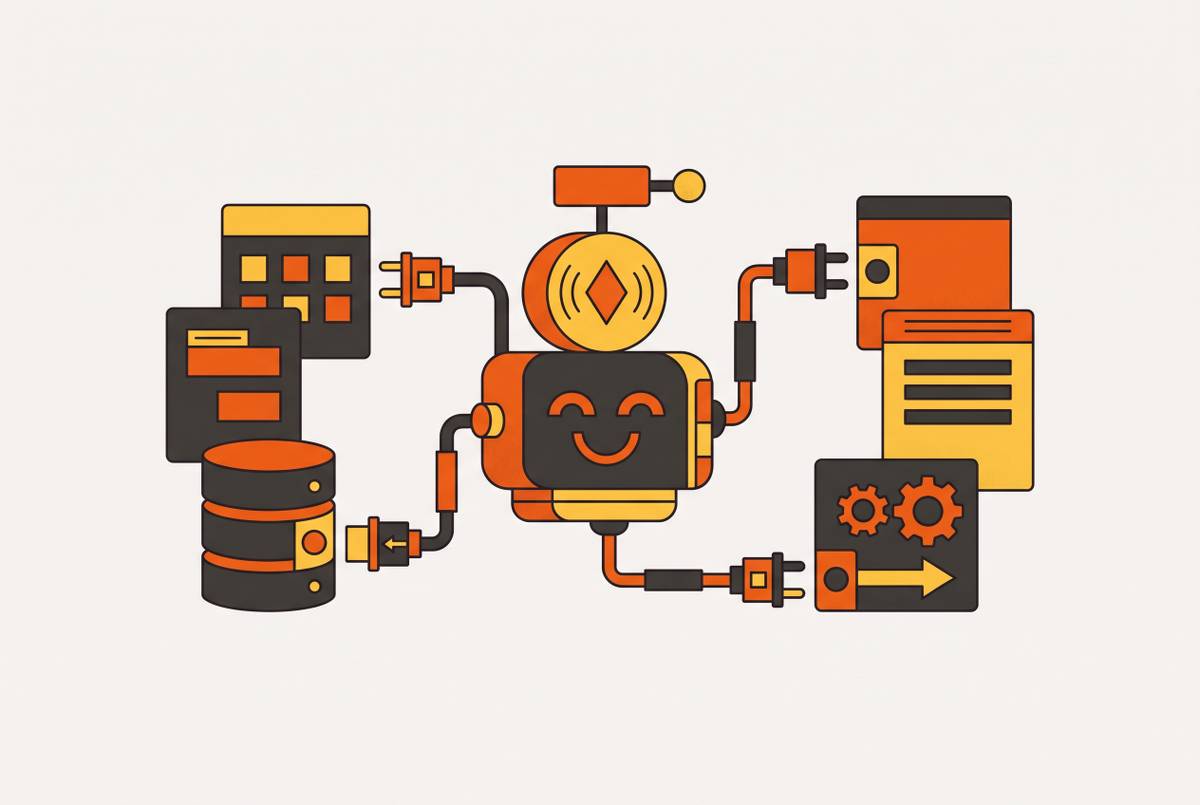
MCP connectors let AI tools actually act on your data, not just describe what should happen.
Every builder who's tried this hits the same wall. Ask an AI tool to update a spreadsheet or send a follow-up email, and it writes a perfect script for how you'd do it yourself. It just can't do it. That gap between describing an action and performing one is the whole story of AI tools until recently, and MCP connectors are what closes it.
An AI model with no external connections is a capable assistant standing outside the building with no key. It can tell you exactly what needs to happen inside. It just can't open the door. A 2024 BCG survey found 74% of companies run into trouble scaling value from AI projects, and the models aren't the bottleneck. The systems those models need to touch, the CRM, the file server, the ticketing tool, sit disconnected on the other side of a wall the AI can't cross. A separate 2024 study by K2view put a number on how bad this feels from the inside: only 2% of organizations in the US and UK said they felt ready to deploy generative AI, and fragmented data across systems was the reason they gave most.
That fragmentation used to cost real hours. Every time an AI tool needed to talk to a new app, somebody had to build custom code for that exact pairing. Ten AI tools times twenty apps means up to 200 separate integrations, each built and maintained by hand. A non-technical builder doesn't need a custom pipeline for every tool, and shouldn't have to wait for one. What's needed is an AI that can open a file, send a message, update a record, or kick off a workflow, without a developer standing by to wire it up first.
What MCP is and where it came from
Model Context Protocol, or MCP, is an open standard that lets AI agents connect to outside tools and data in one consistent way. Anthropic published it on November 25, 2024.
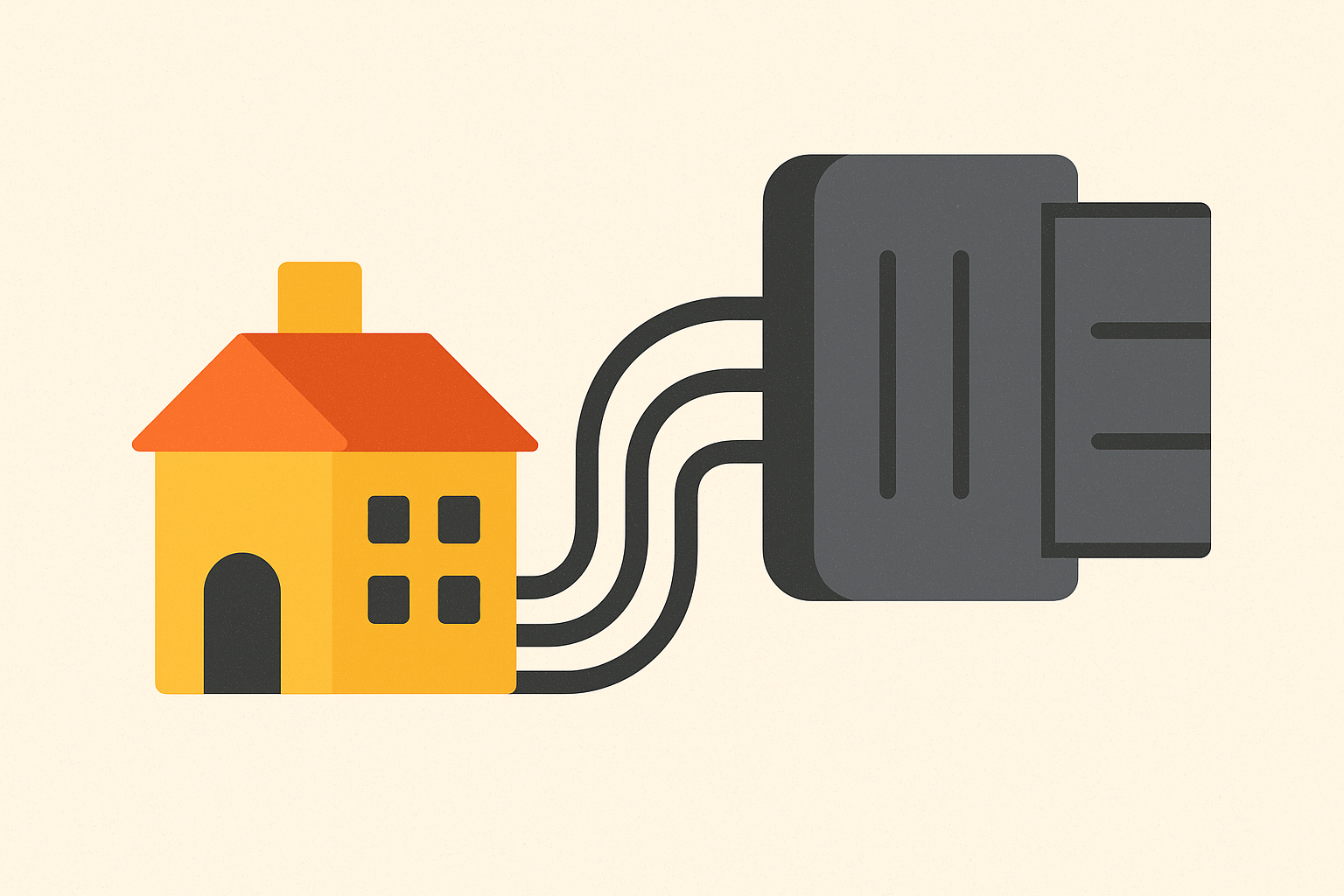
The comparison people reach for is USB-C: one plug shape that works across phones, laptops, and monitors, instead of a drawer full of adapters that only fit one device each. Technically, that's the M×N problem turning into M+N. Instead of custom-wiring every AI tool to every app, each side builds to the same standard once.
Adoption moved fast for something this technical. Within about a year, Cursor, Windsurf, ChatGPT, Google Gemini, and Microsoft Copilot had all adopted MCP. Then, on December 9, 2025, Anthropic handed the standard over to the Agentic AI Foundation under the Linux Foundation. No single company owns it anymore. By mid-2026, the Glama registry listed more than 20,000 open-source MCP servers, with a separate official registry, launched September 2025, tracking a smaller, verified set.
For a non-technical builder, that governance detail isn't trivia. It's the difference between building on solid ground and building on something that strands you the moment one company changes direction.
How MCP connectors actually work, in plain language
Two pieces make up every MCP connection, and both are worth knowing by name.
The MCP server sits between the AI and whatever tool it's connecting to. It talks to the app on one side and hands the AI clean, usable data on the other. The MCP client is the AI application itself, the thing making requests and using what comes back. Claude, ChatGPT, and Cursor all act as MCP clients whenever they're hooked up to a server.
An MCP server can offer the AI three kinds of things:
- Tools: actions the AI can actually take, like sending an email, writing a database record, or posting a Slack message
- Resources: data the AI can read but not touch, like the contents of a file, an API response, or a Notion page
- Prompts: reusable templates and slash commands that pull in live data and keep a person in the loop
That tools-versus-resources line matters more than it sounds like it should. A server that exposes a calendar as a resource lets the AI read the schedule. A server that exposes it as a tool lets the AI move meetings around. Know which one you're turning on before you turn it on. The failure mode here isn't a crash, it's an AI quietly rescheduling something you never meant for it to touch.
People often ask how this differs from Zapier. Zapier runs a fixed workflow: a trigger fires, and the same sequence runs every time, exactly as designed ahead of time. MCP hands the AI a live interface into a system and lets it decide what to do in the moment, based on what's actually happening, instead of following a script written in advance. They're not rivals, though. Zapier built its own MCP client, which bridges its network of over 9,000 apps into the MCP world.
There's also a split worth knowing between standard and interactive connectors. A standard connector has Claude call a tool, get data back, and describe it to you in text, like looking up a support ticket and summarizing it in a sentence. An interactive connector, under the newer MCP Apps spec launched January 26, 2026, has the server send back an actual rendered interface: a dashboard, a form, a card with buttons you click, right inside the chat window. Anthropic, OpenAI, and the MCP-UI community built that spec together, and Claude, ChatGPT, and VS Code all support it now.
Where MCP connectors work today: Claude, ChatGPT, and Cursor
Claude connects over remote HTTP. Paste a URL into Claude Connectors and authorize through a standard OAuth screen, the same kind of prompt you'd see logging into any app with a Google account, no API keys to copy by hand. It's available on Free, Pro, Max, Team, and Enterprise plans, though Free accounts are capped at one custom connector. As of July 2026, the Claude Connectors Directory lists over 375 integrations spanning files, email, project management, analytics, design, sales, and developer tools. Interactive connectors in that directory include Figma, Canva, Asana, Slack, Box, and Adobe Creative Cloud. In August 2026, Anthropic added write actions for Google Workspace, letting Claude send and forward Gmail messages or move and share Drive files, with approval required by default and admin controls for Team and Enterprise accounts.
ChatGPT got MCP support built into OpenAI's Agents SDK in March 2025, followed by the Responses API in June 2025, then into ChatGPT itself in September 2025. Setup happens through an Apps and Connectors screen, no config files to edit. It also supports the MCP Apps spec for rendered UI inside conversations already.
Cursor shows connected MCP servers under Settings, in the MCP tab, with a green indicator confirming the link is live. If a server that should be working shows as disconnected, the fix is almost always to restart the client first. It's usually a stale connection, not a broken one.
One thing worth knowing across all three: Claude, ChatGPT, Cursor, Windsurf, and VS Code speak the same underlying protocol, but they don't all support the same transport methods. ChatGPT, for instance, only accepts remote HTTPS connections, not local servers. A connector built for one client may need adjusting before it works cleanly in another.
The connectors that move real work for founders and operators
Some connectors are worth setting up on day one, no debate. The ones below share three traits: no terminal or code required, real time saved on something already done every week, and official or well-maintained support.
Notion exposes pages, databases, and comments directly, so the AI can search a workspace, pull up a project brief, or update a page without anyone copying text back and forth. Works in Claude, ChatGPT, and Cursor, authorized through OAuth.
Google Drive puts Docs, Sheets, Slides, and PDFs in reach, so the AI can search across files, summarize a document, or draft something new pulling from three sources at once. Available in Claude and ChatGPT.
Gmail enables reading, drafting, sending, and organizing messages. The workflow that saves the most time here: having the AI summarize what piled up during time away, then draft replies that already account for the thread's context. Pair it with a CRM connector like HubSpot, and the AI checks someone's contact history before it drafts an outreach note.
Slack searches channels and summarizes threads, which matters most for surfacing a decision that got made three weeks ago and buried under two hundred messages since.
Google Calendar finds open slots and pulls together context for a meeting before it starts, without switching apps to check.
Linear and Atlassian let the AI pull ticket status and update issues directly, functioning less like a search box and more like a co-worker keeping the board current.
HubSpot gives the AI contact context to draft follow-ups or log activity, officially supported over MCP.
Zapier, through its own MCP client, bridges over 9,000 apps and roughly 66,000 automated actions into whatever AI tool you're using. That's the right call when a workflow crosses five different tools and building five separate connectors isn't worth the time.
Tavily or Brave Search add real-time web lookups without leaving the chat window.
What MCP connectors make possible that wasn't possible before for app builders
This is where it stops being about convenience and starts being about what gets built at all. MCP connectors don't just let AI reach into tools already in use. On the right platform, they let AI act directly on the infrastructure that builds an app, which means building software becomes something done by talking, not by dragging boxes around a screen.
Describe what's needed, and the AI creates the database structure, the backend logic, and the interface, all inside the conversation. No drag-and-drop editor, no terminal, no config file to hand-edit. A full working app, multiple pages, a database, user accounts, forms, even payments, can come out of a single chat session and go live from there.
That's the real difference between this and the no-code tools that came before it, and it's worth being blunt about: older no-code platforms still needed a builder to arrange the pieces by hand, even with a visual editor doing some of the lifting. An MCP-connected platform lets the AI arrange the whole stack, start to finish. The visual editor was never the bottleneck. Assembly was.
A protocol revision on July 28, 2026 pushed this further. MCP's core is now stateless, meaning there's no session ID to track and no need to route a request back to one specific server. Any request can land anywhere and still work. MCP Apps, the interactive UI spec, is now formally part of the standard. A new Tasks extension handles long-running jobs, so a multi-step build can complete without dropping midway. And authorization now runs on OAuth and a standard identity layer baked into the protocol itself.
Put plainly: the AI subscription a founder already pays for can now function as a full development environment, provided it's pointed at the right infrastructure on the other end of the connector.
Why the infrastructure behind the MCP connector matters as much as the connector itself
The connector is just the bridge. What determines whether an app works, and keeps working, is the platform standing on the other side of it.
A platform capable of running a real product needs backend logic (the app has to do things, not just show things), a database that survives after the chat window closes, user accounts and permissions, a live hosting address someone else can visit, and the unglamorous plumbing behind email notifications, recurring jobs, and basic SEO.
Most solo founders default to stitching several separate services together instead: one tool for the interface, another for the database, another for payments, another for email, another for analytics, each with its own login and its own bill. That's the standard setup for solo builders in 2026, and it's the wrong one. The monthly bill looks small before any revenue comes in. The real cost is complexity: five dashboards, five places something can quietly break, five separate vendors now standing between a founder and their own product.
That lock-in risk isn't hypothetical. Rebuilding a no-code app once it's outgrown its original platform runs $50,000 to $250,000 and takes six to twelve months, and somewhere between 25 and 30% of no-code projects end up needing a partial or full rewrite within two years of launch. It's little surprise that 62% of IT decision-makers call platform lock-in a real concern, not a distant one.
Ownership of the code and the data is what actually protects against that outcome. A platform that lets a builder export the full codebase and the underlying database means the backend was never trapped inside someone else's proprietary system to begin with.
So the checklist for an MCP-connected build platform comes down to a few hard questions. Does it include backend, database, and hosting in one place? Is the pricing flat and predictable rather than metered by the token? Can code and data leave the platform if needed? And can a builder use the AI subscription already paid for, instead of taking a markup on every token the platform routes through it?
How to connect an MCP-enabled platform and build a real app from Claude or ChatGPT
The actual workflow is short. Paste the platform's MCP connector URL into the AI tool's connector settings, and authorize it through OAuth, the same click-to-approve screen used everywhere else. Open a new conversation in Claude or ChatGPT and describe the app in plain language. The AI builds the full stack through that connection: database tables, backend logic, the interface, all of it. The platform then publishes it to a live web address on its own. No separate deploy step, no terminal window, nothing to configure by hand.
Behind the scenes, the MCP server does the actual work of translating what the AI says into real infrastructure: standing up database tables, wiring authentication, configuring where the app lives online. What lands in front of the builder isn't a prototype or a code file waiting to be deployed somewhere else. It's a live app, already running, at a URL anyone can open.
Sources
- What Are MCP Connectors? A Guide for Business Teams | V7 Go
- AI’s next big leap: Standardizing connections with MCP
- What Are MCP Apps, Connectors, and Plugins? The Ecosystem Explained
- MCP Just Went Stateless — What the July 28 Protocol Spec Means for Every No-Code Platform | NoCode.Tech
- Best MCP Connectors for Founders & Operators (2026)
- Model Context Protocol - Wikipedia
- zapier.com
- platform.claude.com