From ChatGPT Chat to Deployed App With Live Data Behind It
Turning AI-generated code into a live app requires infrastructure beyond the chat.
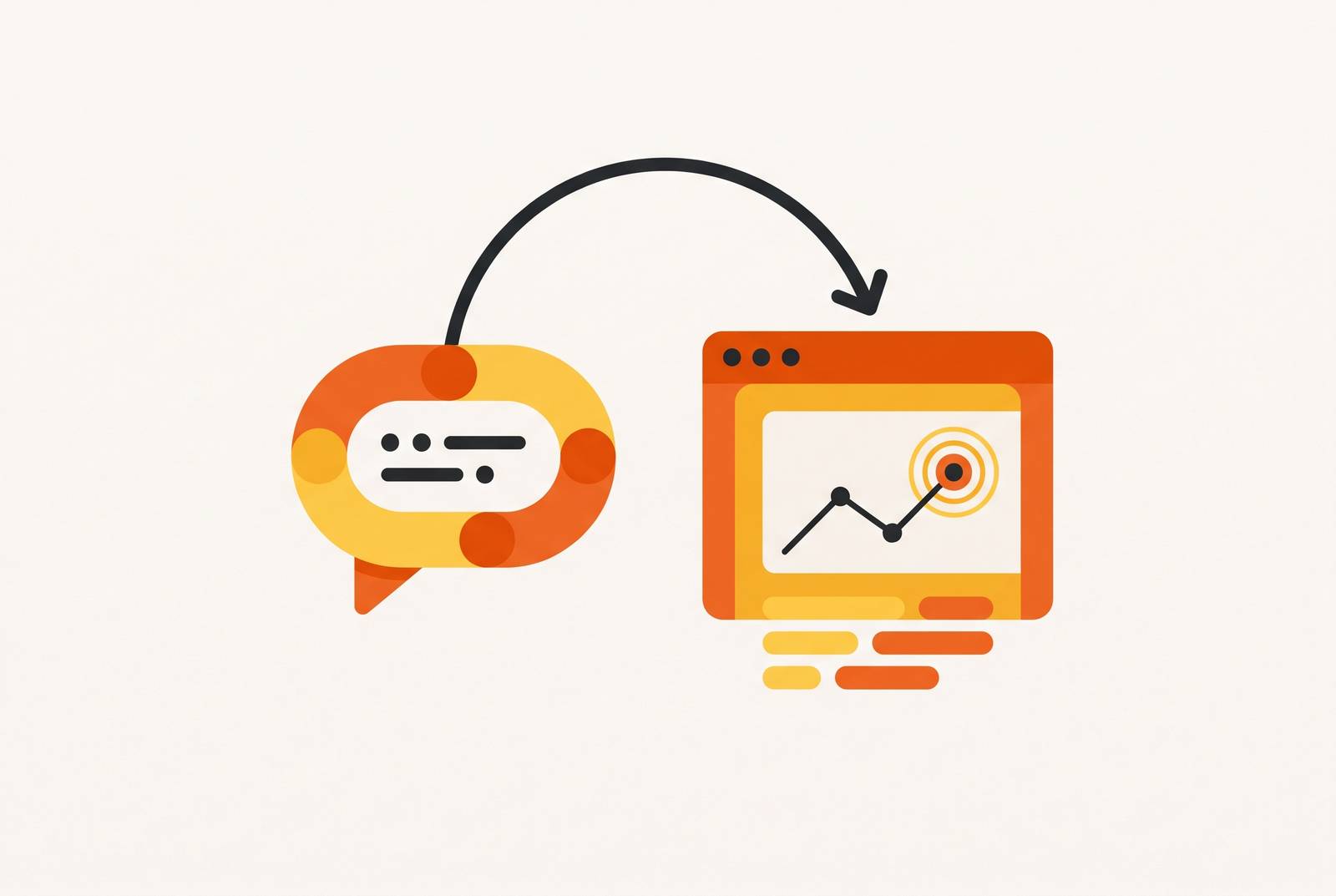
To build an app from a ChatGPT conversation, the chat must connect to infrastructure that turns generated code into a hosted application with a real database, backend, and authentication. The prompt starts the process, but the infrastructure makes the result usable. This article follows that path from description to live URL and explains where a convincing prototype can still fall short of a working product.
Why a ChatGPT conversation can now end with a working URL — and what had to change to make that possible
Two changes have closed much of the gap between generating code and running an app. Large language models can now build projects whose files work together, and managed databases, authentication, and hosting have become cheap enough to come with a single subscription. These changes arrived at roughly the same time. Together, they make it possible to move from a description to a data-backed application without a terminal, deployment scripts, or manual server configuration.
The pipeline exists, but its parts still need to connect. A tool that handles code generation without the services behind it stops short of completing the job.
The five layers every prompt-to-app pipeline must cover
The path has five parts, which are the prompt, generated code, the database and backend, authentication, and deployment with hosting. The prompt defines the intended product. Generated code turns that intent into application logic, the backend handles data, authentication checks who users are and what they can access, and hosting keeps the app available. Each part solves a different problem.
For the builder, the first practical stage joins the prompt to code generation, followed by the backend, identity, and deployment stages. This is the map behind “just describe what you want.” That phrase describes the entry point accurately enough, but it says nothing about how a record survives a reload or how two users keep their information separate. Those are jobs for the rest of the pipeline.
Layer one — how the prompt becomes structured application logic
A prompt describes an intention. To turn it into an app, the AI must infer the data model, user flows, interface structure, and business rules. Modern models can turn those decisions into a multi-file codebase with separate parts for separate tasks. That structure makes the output deployable. The quality of the description still shapes the result.
For the builder, the lesson is to treat the prompt as a product specification. “Build a records app” leaves the AI to guess who uses it and what they can do. A more useful description would specify that users can create and update their own records, while an administrator can view all records. Clear entities, actions, and roles can reduce hours of re-prompting or manual repair to minutes of refinement.
Layer two — the database and backend are where the pipeline often breaks
A generated interface can look finished while the system behind it is missing. This is the main break in many prompt-to-app pipelines. Producing a screen is a different task from connecting it to persistent, queryable, properly structured data. Without that storage, a prototype may lose its records on reload and cannot keep the shared state that a multi-user product needs over time.
API routes let the app ask for or change data, server-side logic applies business rules, validation checks the values coming in, and table relationships link records that belong together. Historically, setting up the schema, migration scripts, endpoints, and error handling required a developer. Does it automate that work, or does it leave the builder to discover the missing backend after the interface is done?
How MCP connectors close the gap between an AI chat session and live data
Model Context Protocol, or MCP, gives an AI client a way to take actions in systems outside the conversation. Those actions can include reading a database, writing a record, or triggering a workflow. It is a bridge to real services. Instead of only returning code or instructions for someone else to connect, an agent can discover available actions and execute them through the connector.
Zapier MCP connects AI clients including ChatGPT, Claude, and Cursor to over 9,000 apps through Zapier. The agent can use thousands of tools, while Zapier handles the connections and access controls. For a builder, this can keep work inside the conversation rather than requiring a move to a terminal or dashboard. However, access to live data is not itself a complete app. The connector closes the gap between chat and action, while the database, user permissions, and hosting still need to support the product that end users will open.
Layer three — authentication is more than a login screen
Once an app stores real information, it needs rules for who can get to it. Authentication is often the requirement builders discover when they share a prototype with a second user. A working login screen is only the visible part. Behind it are session management, secure credential storage, and role-based access control, which determines who can see or change which data. Production users also expect social login and password recovery.
These needs make managed authentication part of the infrastructure to plan for from the start. Building it from scratch introduces security risks in an area where the failure modes are already well understood and implementations already exist. The useful platform test is concrete. Can a second user sign up, see only their own data, and have their session expire correctly without the builder writing authentication logic? If not, the platform has left a production requirement for a later integration.
Layer four — deployment and hosting are what keep the app live
A link proves that something is reachable now. It does not prove that the app will remain available after the builder ends the session. A development environment may provide a local tunnel, a preview URL, or a sandbox that disappears later.
Production deployment means configuring infrastructure to handle traffic, serve the app reliably under load, scale through usage spikes, and recover from failures. A data-backed app also needs a persistent domain, SSL, a server that stays on, and a database connection that survives requests and restarts. Those requirements explain why “one-click deploy” can describe very different outcomes. The click is not the hard part. The builder’s question should be whether the URL is permanent, whether persistent infrastructure supports it, and who maintains that infrastructure after the laptop closes.
What an all-in-one infrastructure layer does that stitching tools together does not
A builder can combine a backend provider, authentication service, hosting platform, database, and connectors. The cost is coordination. Each boundary between services creates room for permissions mismatches, incompatible formats, and duplicate features that produce conflicting states in production data. Billing and administration also spread across dashboards.
An all-in-one layer reduces the amount of work needed to keep those parts aligned. Assembling separate services becomes a project of its own. For a solo builder or small team, that project competes directly with product development. A database that works well in isolation does not resolve an access mismatch with a separate authentication service, so optimizing each component separately can still leave the overall system harder to operate.
The hidden costs that appear between a working prototype and a production app
That coordination work has a financial counterpart. A base subscription may cover entry to a platform while compute, egress, storage, monthly active users, and API overages add usage charges. The advertised price is therefore not the operating cost. Those charges can add up even when usage is fairly low, especially when each part of the same app has its own meter.
Each service has its own base fee, rules for usage, and billing cycle, so bills for several subscriptions can come due before the product has a paying user. Migration creates another expense. If the app outgrows its platform, moving it to a custom codebase can disrupt work and cost as much as a project in its own right, beyond what a routine upgrade would take. Flat pricing that includes infrastructure, hosting, authentication, and the backend makes the bill easier to understand, but the platform choice still needs to account for what leaving it would require.
What the builders who shipped fast actually did differently
Maor Shlomo built Base44 alone, without a co-founder or engineering team. Over six months, he launched it, grew it to hundreds of thousands of users, and sold it to Wix. The useful detail is the infrastructure model. Base44 handled database creation, authentication, permissions, and deployment behind the scenes, making those setup tasks part of the platform for each app builder. AI generation was only one part of that approach.
Rasty Turek built Vaultaire in three weeks using AI coding agents and reached meaningful monthly sales. That case shows how fast a product can ship, though it leaves open how much of the infrastructure was automated. The common condition is narrower. The pipeline was either automated or already in place, so each choice about infrastructure did not turn into a separate project.
Where the “anyone can ship from a prompt” narrative breaks down — and the honest answer
As usage grows and requirements become more complex, generated code can become harder to extend without a developer who understands it. A product can serve its first users successfully and still need a different level of engineering later.
MCP also solves less than its presence might suggest. An app that serves real users at a production URL still needs caching, rate limits, and a security model even when the chat can query live data. Those remain infrastructure and design requirements. A connected agent is not a substitute for them.
The defensible claim is specific. This pipeline can ship MVPs, internal tools, straightforward SaaS products, and data-backed web apps that do not demand deeply custom logic or high-scale engineering. Managed backend services, authentication, and hosting handle more of the work of running the app, so builders can reach real users before they need a more complex setup.
How can you turn a ChatGPT conversation into a real app — what to check before building
Before choosing a platform, the builder should ask whether it sets up and runs the database and backend or just generates code that has to be hosted elsewhere. The builder should then check whether authentication comes with sessions and role-aware access or needs a separate integration to add them. Deployment deserves its own test. Is the supplied URL permanent and backed by production infrastructure, or is it a preview environment? These answers establish whether the product covers the path from chat to a working application.
Pricing and migration complete the decision. Does one plan include the infrastructure, or will separate meters compound as usage grows? If the app outgrows the platform, what will moving it cost? Those questions are more useful than choosing on the strength of an attractive generated screen. The best fit takes on the production work the builder cannot or does not want to handle and makes its limits clear before the builder starts.