What a Database Does and Why Every App Needs One
Databases let apps remember user actions across visits and sessions.
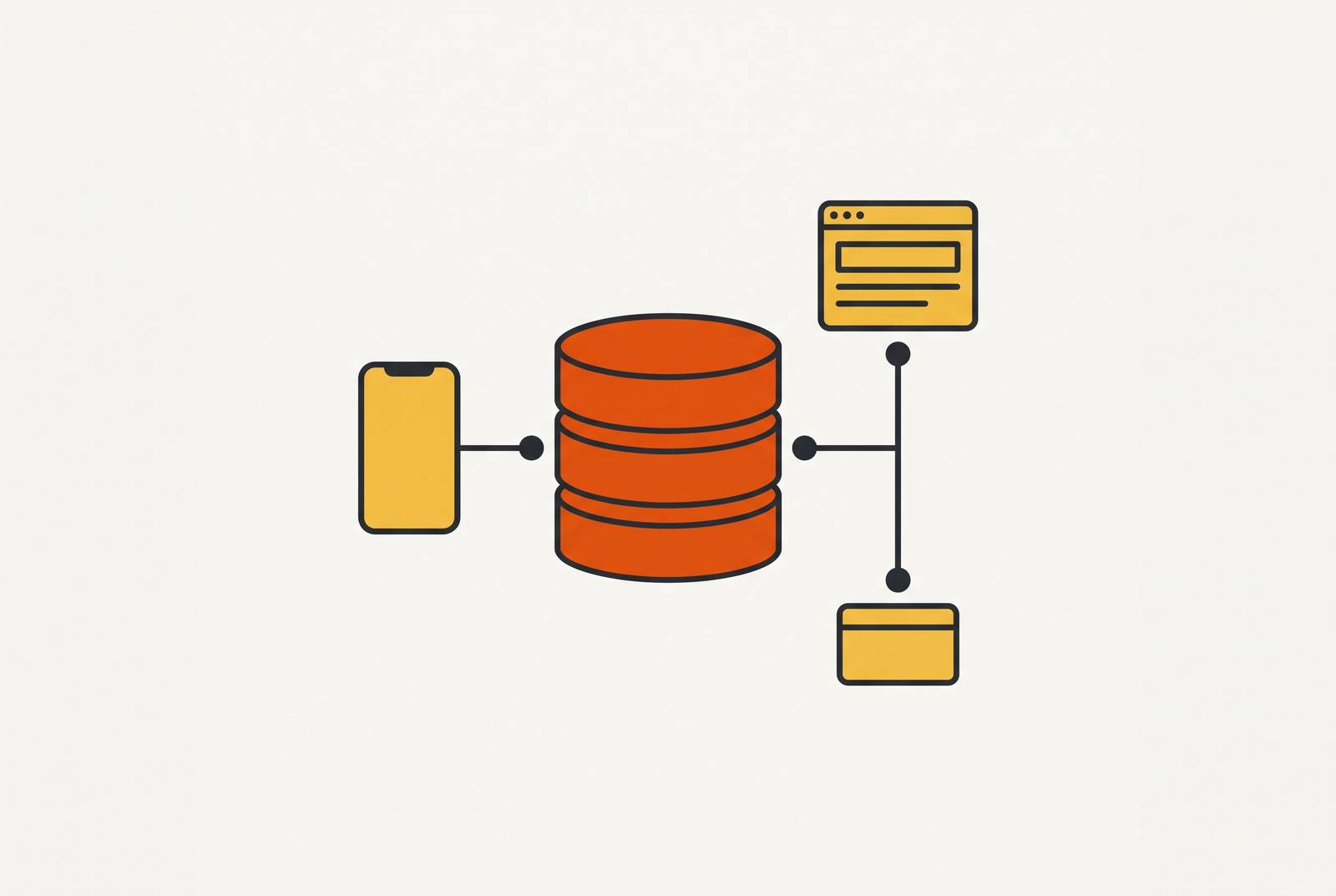
A database is an app’s long-term memory. It lets the product save what users do, find it later, and build on it across visits. This article explains why that memory is essential, how it works with the rest of an app, and why non-technical founders can now have it handled without setting it up themselves.
What separates a real app from a pretty screen
A customer signs in to check an order they placed yesterday. They expect the order to be there, with their details attached, even though they closed the app hours ago. The screen cannot supply that history by itself. Something behind it must have kept a record of the purchase and must now return the right information for that customer.
That is the gap a polished demo can hide. The frontend, which is the part users see and touch, can display an order page without having any way to preserve an actual order. Appearance is not evidence of a working product. Remembering what users prefer, knowing when they come back, and sending order confirmations all take work behind the screen. The database supplies the lasting record that this work depends on.
What a database actually is, in plain English
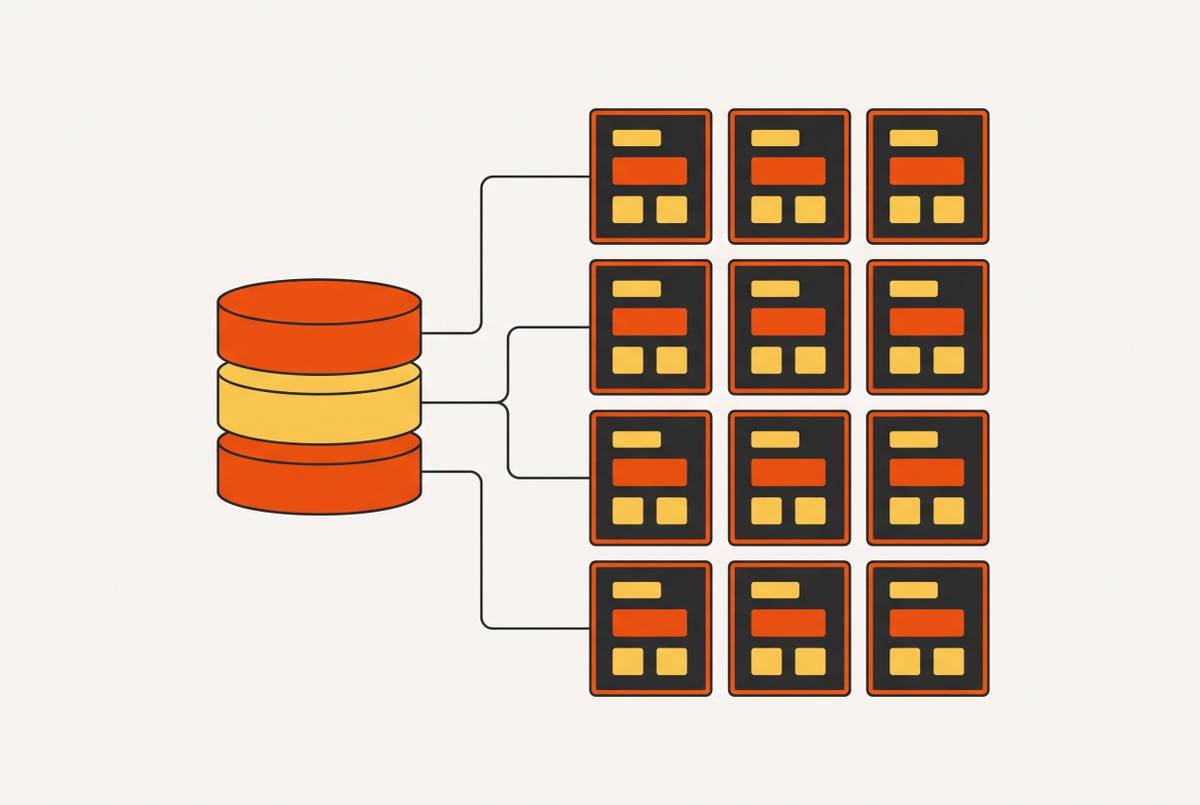
A database is an organized collection of data that an app can store and find again, reliably and quickly as the amount grows. Think of a library, with tables as shelves for Users, Posts, or Products, rows as individual records, and columns as fields such as name, email, or price. Indexes act as the catalog that makes lookup fast. The organization has a practical purpose. It gives the app a dependable way to ask for the information it needs rather than search through everything it has ever saved.
A spreadsheet can look similar because it also has rows and columns. Picture a concert ticket drop where every fan edits the same shared spreadsheet at the same second. Two people grab the same seat, rows get overwritten, or the file freezes. A database is built to handle those changes at the same time as well as show information in a grid.
A file or spreadsheet can hold information, so storage alone is not the distinction. Keeping that information easy to use is harder when many users read and change it at once. A database is built for that workload. It combines organized records with ways to protect changes and retrieve the right result as the product grows. That is why an app needs more than somewhere to put its data.
The three things a database makes possible that nothing else can
The first capability is persistence, which simply means that information lasts. A user profile must survive the end of a visit, and an order must survive a server restart. A database keeps those records beyond the session in which they were created, including when the app crashes. With that lasting memory, users can go back to work they left unfinished without having to start again.
The second capability is integrity. It keeps records in line with each other when they change. A bank transfer shows why this is essential. Taking money from one account and adding it to another must work as one complete operation. A database can group those steps into a transaction. If the server crashes partway through that transaction, the database rolls back the steps already taken, leaving the money as if the transfer had never started.
That protection goes beyond saving a value somewhere. That protection keeps a half-finished action from being saved as if it were done. A file or temporary in-memory store does not, by itself, provide the same transaction guarantee. For the user, this lets an action complete properly without leaving their information in a contradictory state. For the product, it makes the stored record dependable enough to act on.
The third capability is retrievability. It lets the app find what is needed without slowing to a crawl as records accumulate. Indexes let a database locate one record among millions in milliseconds. Without that help, a flat file or spreadsheet takes longer to search as it grows. This turns search from a button into a useful feature. Together with persistence and integrity, it also makes order history and “pick up where you left off” work beyond a carefully prepared demo.
Why the database and the backend are different things — and why that distinction matters
The database stores information, while the backend decides what the app should do with it. The backend sits between the frontend and the database, handling requests and applying the product’s rules. The frontend is the dining room, the backend is the kitchen, and the database is the pantry. The pantry holds what is available, the kitchen decides how to use it, and the dining room presents the result.
A product can have backend code without having lasting storage, and it can have stored records without a safe way for users to access them. Each layer has a different job to do. The backend must establish who is making a request and what they are allowed to do, then ask the database for the appropriate information. The database is not a substitute for those application rules.
Those rules are often called business logic. A booking app’s rule that two people cannot reserve the same time slot belongs on the server. A disabled button is not enough protection. Someone with basic browser tools can bypass a frontend-only restriction, so the backend must enforce the rule where the browser cannot simply override it. The database then preserves the resulting booking as a lasting record.
The backend also coordinates work outside the app itself. Payment processors, email senders, and notification systems need instructions based on what happened in the product. That is not the database’s job. The database holds the records those actions need, while the backend connects to those systems and decides what to do. Confusing the two can leave a founder with stored data but no working process, or a process that forgets its results.
What breaks when an app has no real database behind it
Think of an app builder demo that shows an account page tailored to a user. A user changes a setting, moves between screens, and sees the new choice on the screen. It looks like the feature is finished. But if no lasting record is saved, the user can return later to find the original setting back in place. The demo showed only that the screen could change.
One person selects an available slot and sees a confirmation, which appears to prove that booking works. The real test comes when two users want the same slot at once. If the backend rules do not stop them, both can claim it. A database is essential for keeping the booking record, but it must work with the backend that governs how that record changes.
Without storage, information goes missing, while without rules being enforced, users can take actions that clash or that they are not allowed to take. Neither gap is obvious from a screenshot. An app can appear convincing for one user and break when people return or use it simultaneously.
How production apps are structured: the full stack a real product needs
A production app combines a frontend, backend, database, authentication, and an API, each with a distinct role. They work together to complete ordinary actions. The frontend presents the controls, the backend processes the request, and the database keeps the result. Authentication establishes who the user is, while the API defines how the frontend and backend exchange requests and responses.
The user taps “add to cart,” and the frontend sends a request through the API. The backend receives it and checks whether the item is in stock, then the database updates the cart. The confirmation comes back through the API, and the cart icon changes. All of that happens in under a second, behind what looks like one simple interaction.
The API is the contract that keeps that exchange predictable. It defines which requests the backend accepts, what information those requests need, and what the backend returns. It does not replace the other layers. An agreed way to request a cart update is useful only if the backend can process it and the database can retain it. This is why a working connection is different from a complete product.
Authentication also reaches well beyond a login form. Password hashing, sessions, tokens, and role-based access control require server-side handling, with the backend and database supporting the system. The browser is not the final authority. For example, “log out on all devices” works by invalidating sessions on the server.
Beyond these core layers, storage, email notifications, payment processing, and third-party integrations add more backend work. They depend on the database as the source of truth about what has happened. A platform that supplies only the frontend leaves the founder responsible for assembling and managing the rest. Choosing a builder is therefore a structural decision about the product.
Why non-technical founders no longer need to set a database up themselves
Managed infrastructure changes who has to do that assembly. With a capable platform, a founder describes the product they want, and the platform configures the database structure, storage, and authentication. The database is still there and still does the work the product needs. It has simply moved out of the founder’s daily setup tasks.
For a feature that needs to save information, the right AI-powered platform can create the structure to hold it automatically. The founder does not have to design the schema, which is the database’s layout, create tables, or write migration scripts to change that structure. That work is handled behind the scenes. Backend-as-a-Service platforms have already demonstrated that managed database infrastructure can be delivered without requiring a founder to use a terminal or write a query.
Anthropic released Model Context Protocol, or MCP, in late 2024, introducing a standardized way for AI tools such as Claude to connect directly to databases and infrastructure. This lets an AI assistant query, manage, and build on a database through a natural conversation. The connection is more than a chat interface. It gives the assistant structured access to the system it is working with, rather than requiring the founder to keep pasting database layouts into a chat window.
The community has built a fast-growing set of MCP servers that let many AI clients use these connections. A database connection implemented as an MCP server can work across MCP-compatible clients, rather than needing a separate implementation for each one. MCP supplies the connection standard, while a platform that includes and preconfigures the full stack can remove separate database subscriptions, API-key wiring, and manual schema design from the founder’s workload.
Does this tool give the founder a real database, real authentication, and real backend logic, or a frontend that looks like an app? That question cuts through the polished demo. Founders gain freedom by having the infrastructure handled.