How Claude Builds Apps Using MCP Tools
Claude chains tool calls to build working apps instead of just describing them.
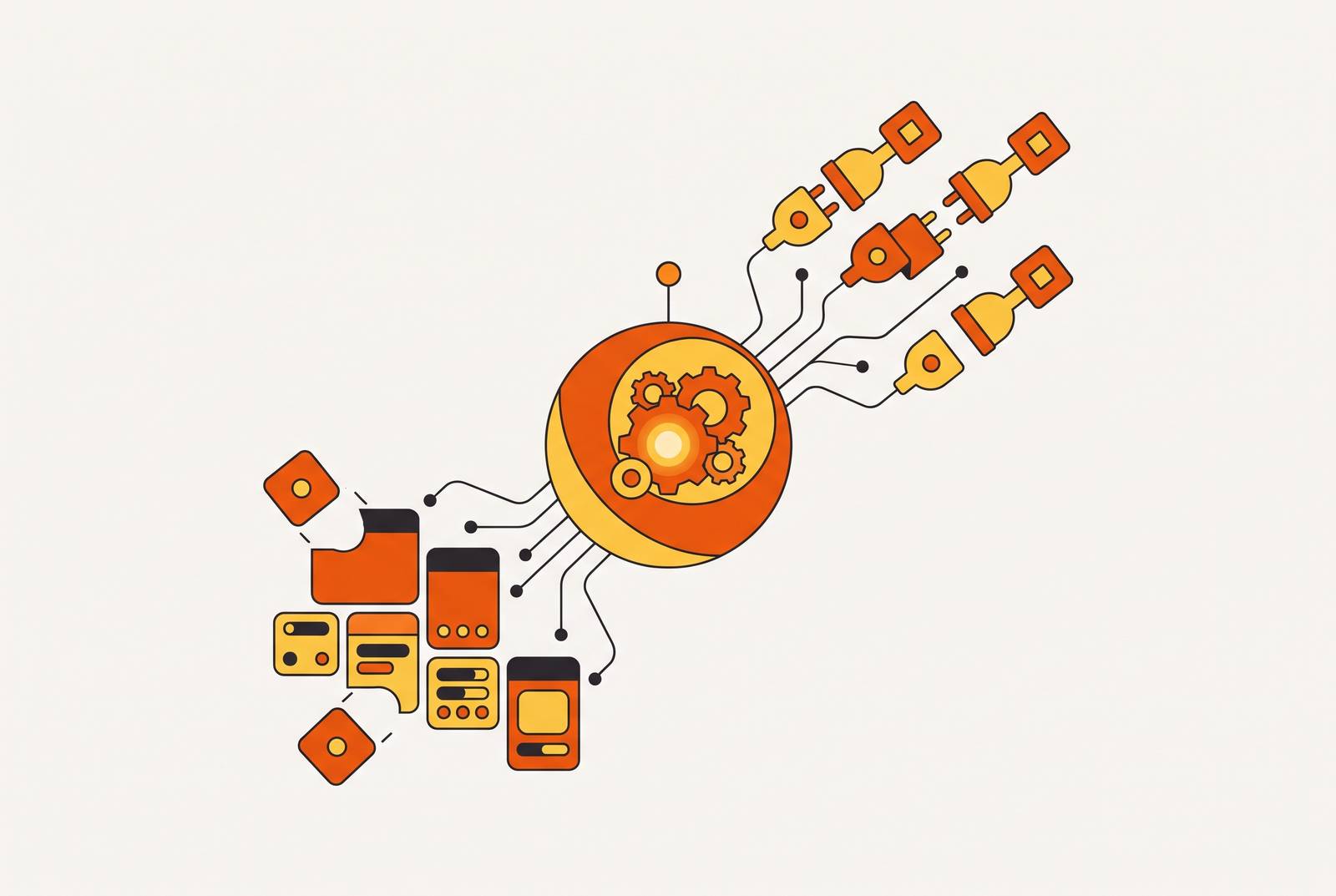
MCP, short for Model Context Protocol, is the open standard Anthropic introduced in late 2024 to connect AI models like Claude to outside tools, databases, and services through one shared interface. It matters because it turns Claude from something that talks about doing work into something that actually does the work, tool call by tool call, building real apps instead of just describing them.
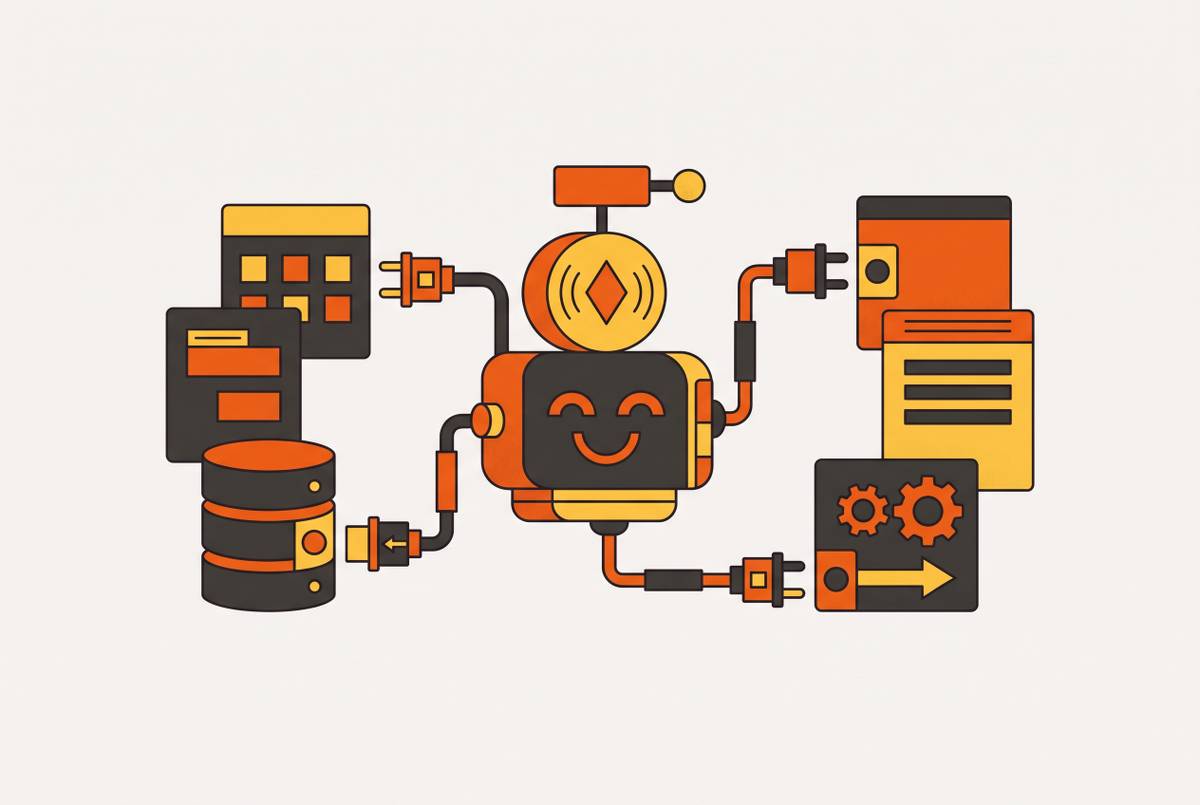
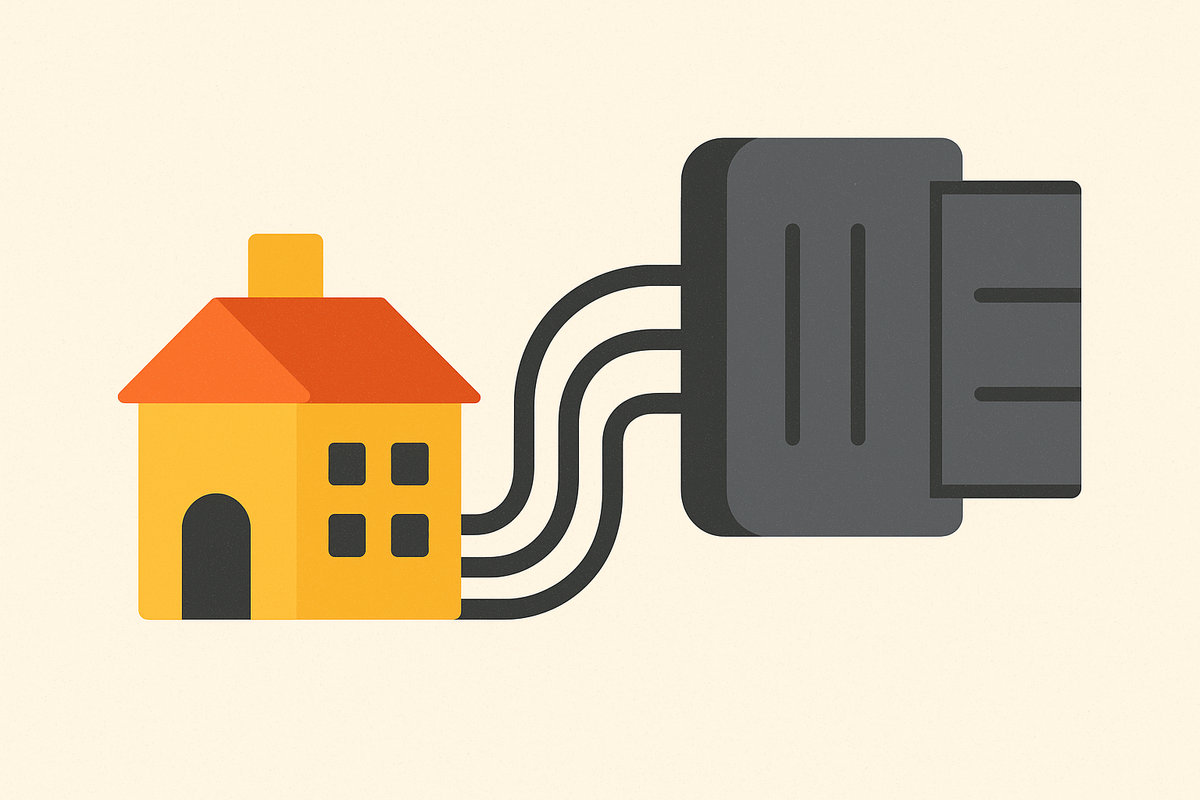
Think of MCP as USB-C for AI. Before USB-C, every device needed its own cable and its own charger. MCP replaces a pile of custom, one-off wiring between an AI model and each outside tool with a single plug that any compliant system can use.
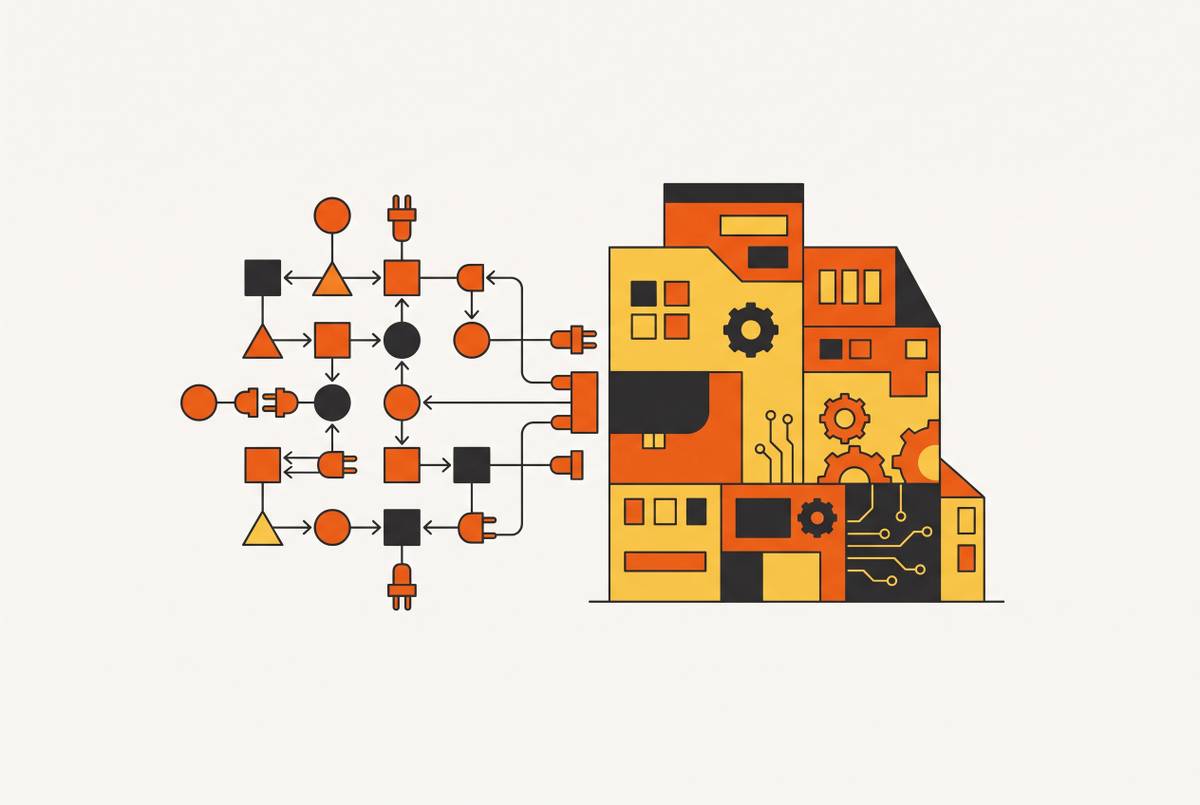
The protocol has three parts. Hosts are the AI environment itself, like Claude Desktop. Clients are the MCP piece living inside that host, handling the actual back-and-forth. Servers are small programs that expose tools, data, and prompt templates for the AI to use. They all talk over JSON-RPC, either through stdio for local setups or through server-sent events and Streamable HTTP for anything remote.
The growth here isn't small. By April 2026, MCP had crossed 97 million monthly SDK downloads across Python and TypeScript combined, and more than 10,000 active public MCP servers were running. Anthropic, OpenAI, and Block co-founded the Linux Foundation's Agentic AI Foundation, and over 100 enterprises have already signed on as supporters, making this infrastructure built the way the internet's early protocols got built: in the open, with competitors agreeing on the same plumbing. That's infrastructure, built the way the internet's early protocols got built: in the open, with competitors agreeing on the same plumbing.
MCP works as a shared language that any server or client can speak, functioning as a foundation for building things rather than just a way to fetch data. It's a shared language that any server or client can speak, which is what makes it a foundation for building things, not just a way to fetch data.
How Claude uses MCP tool calls to do things, not just say things
Without MCP, Claude can tell a user how to open a pull request. With MCP, Claude opens it.
That gap sounds small until it isn't. Ask Claude about a package's API without a docs server connected, and it guesses, sometimes wrong, sometimes confidently wrong. Connect an MCP server that serves real, version-pinned documentation, and the guessing stops; Claude pulls the actual current spec. Same story with GitHub: without a connected server, Claude walks a user through the steps to open a pull request. With one, it opens the pull request itself. And with an app-building MCP server connected, Claude doesn't just edit a project file, it deploys the project to a working domain.
MCP servers hand Claude three kinds of things it can act on:
Tools, which are functions Claude can call directly, like creating a database table, deploying a route, or sending an email
None of this happens as one giant "build my app" command. It happens as a chain of small, separate tool calls, each one auditable, each one doing a discrete piece of the job. That's closer to how an actual engineering team ships something: lots of small commits, not one act of magic.
Access control runs through OAuth 2.1. When Claude connects to a custom remote MCP server, OAuth handles the handshake, so Claude can act on a person's behalf without ever touching their password. As of April 2026, ten major AI agents support custom remote MCP servers with native OAuth 2.1, including Claude, ChatGPT, VS Code paired with GitHub Copilot, and Cursor, among others.
Tool definitions eat context. A setup with five servers and 58 tools can burn through roughly 55,000 tokens before a single message gets sent. Anthropic has documented cases where tool definitions alone hit 134,000 tokens before anyone bothered to trim them down. Tool selection is essential. It's the difference between a fast, useful session and one that chokes on its own setup.
What "building an app" looks like as a sequence of MCP tool calls
A working app needs several separate things to exist at once: a place to store data, logic that runs on a server, a way to log users in, and a public address where people can actually reach it. MCP lets Claude handle each of those pieces through its own targeted tool call, instead of handing a user a folder of config files and a to-do list.
A capable MCP server lets Claude run through something like this, in order:
- Create the project and scaffold the frontend
- Provision a database and lay out the schema
- Wire up backend logic and API routes
- Turn on user authentication
- Set up file storage
- Deploy to a live, shareable URL
Every one of those bullets is a tool call. Claude is operating the infrastructure directly. It's operating the infrastructure directly.
That reframes what the conversation with Claude actually is. It's not a planning session before the real work starts somewhere else. The conversation is the build session. Each reply Claude sends is doing two things simultaneously: explaining what happened, and making it happen.
Compare that to ordinary AI-assisted coding, the kind where a model just writes code in a chat window. That approach hands over files. Someone still has to take those files, set up hosting, configure a database, wire up a domain, and deploy the thing themselves. A build session running through MCP skips that whole second phase. The output is an app that's already running. It's an app that's already running.
MCP Apps: when Claude renders interactive UI, not just text responses
On January 26, 2026, Anthropic shipped MCP Apps, the first official extension to the protocol since it launched. The idea: let tools return actual interactive interfaces.
Before MCP Apps, a tool call inside Claude worked like this: Claude calls the tool, gets back some JSON, writes up a text summary, and if the user wants to actually do anything with that data, they leave the conversation and go open the app it came from. Every handoff like that loses context. The conversation forgets what just happened; the user has to reconstruct it somewhere else.
After MCP Apps, the tool call renders an interface right there in the chat window, inside a sandboxed iframe. Dashboards, forms, charts, multi-step workflows. The user filters, edits, clicks, approves, all without leaving the thread.
Nine partners launched with it on day one: Amplitude, Asana, Box, Canva, Clay, Figma, Hex, Monday, and Slack. Salesforce has confirmed it's coming with Agentforce 360, though no date has landed yet. A few examples of what this looks like in practice: Amplitude lets a user build an analytics chart and adjust parameters right inside the interface to explore trends live. Asana turns a chat into projects, tasks, and timelines that the whole team can see and act on. Figma takes a written prompt, a PDF, or even a screenshot and turns it into a flow chart or Gantt chart inside FigJam. Slack lets someone search past conversations, draft a message, format it, and review it before posting, all without tabbing away from Claude.
It's available now on the claude.ai directory across supported plans. And because it's built on an open spec rather than something locked to Claude, it's already spreading. Several other coding tools and assistants are picking it up too, which says this is becoming a shared standard across the industry.
Security is handled with a fairly conservative model given how much power this hands to a tool. Every UI element runs sandboxed, with restricted permissions. Communication between the interface and the host runs through loggable JSON-RPC over postMessage, so there's a record of what happened. And hosts can require a person to explicitly approve any tool call the UI tries to trigger before it fires.
Teams using Asana through MCP Apps report working 40% faster on project updates. Cutting out the constant switching between a chat window and a separate app saves real time, multiplied across every update someone would have otherwise made by tabbing away and back, which explains that number.
Why the infrastructure behind the app still has to come from somewhere
MCP gives Claude a way to reach outside systems and operate them. But those systems still have to exist, and they still have to actually work in production, under real traffic, with real users.
A functioning app needs more than generated code. It needs a database that actually persists data between sessions. A backend that processes logic reliably. Authentication that keeps user accounts secure. Hosting on a real domain that stays up. Email and notifications that fire when they're supposed to. SEO plumbing, meaning server-side rendering, a sitemap, meta tags, so the thing can actually be found. And background jobs that run recurring tasks without someone babysitting a script.
One documented solo developer's stack for handling all of that, stitched together from separate providers, ran about $116 a month, spread across multiple separate services and providers. Multiple bills, multiple dashboards, multiple places something can break.
Free tiers on no-code and low-code builders are genuinely useful for prototyping. They just aren't built for running a real product. Limits on user counts, workflow runs, and how many apps can be published mean any serious use case pushes a person onto a paid plan fast.
And the overhead isn't only financial. A non-technical founder trying to stitch this together has to evaluate and maintain a database host, an authentication provider, a deployment pipeline, and a domain registrar, each with its own pricing model, its own API quirks, and its own way of failing at 2 a.m. The phrase "just build it with AI" carries that actual weight." Someone still has to hold all those pieces together.
How an MCP connector that includes the infrastructure layer changes what's possible
Some MCP servers give Claude access to tools that operate on an existing system. An MCP server that owns the infrastructure itself gives Claude the ability to provision and deploy the whole stack.
That means backend logic, database provisioning, user authentication, file storage, and a live deployment to a shareable link, all coming out of the very first response Claude gives.
For a non-technical founder, what that removes is the whole stitching problem from the previous section. No separate database account to set up. No hosting dashboard to configure. No second platform to learn just to get the thing online. The infrastructure is the MCP server. It is the MCP server.
Integrations that would otherwise take a founder hours of manual setup come built in: Stripe for payments, authentication providers, email notifications, recurring background tasks. SEO gets handled at the infrastructure level too, meaning server-side rendering, a generated sitemap.xml, a robots.txt file, domain settings, and editable metadata, rather than something bolted on later as an afterthought plugin.
Pricing runs a Free plan for exploring the idea, a Pro plan at $25 a month covering production-grade hosting, database, authentication, custom domains, SEO, and priority support, and an Enterprise tier for larger needs.
The scale involved backs up that this isn't a fringe experiment, with a growing base of users who went from idea to shipped product without ever touching a server.
None of that means the approach is flawless. Some users have raised concerns about the AI making arbitrary edits mid-build, losing context in long sessions, and shared live and sandbox databases creating confusion about which data is actually production data. This should be known going in, so expectations line up with reality rather than the pitch.
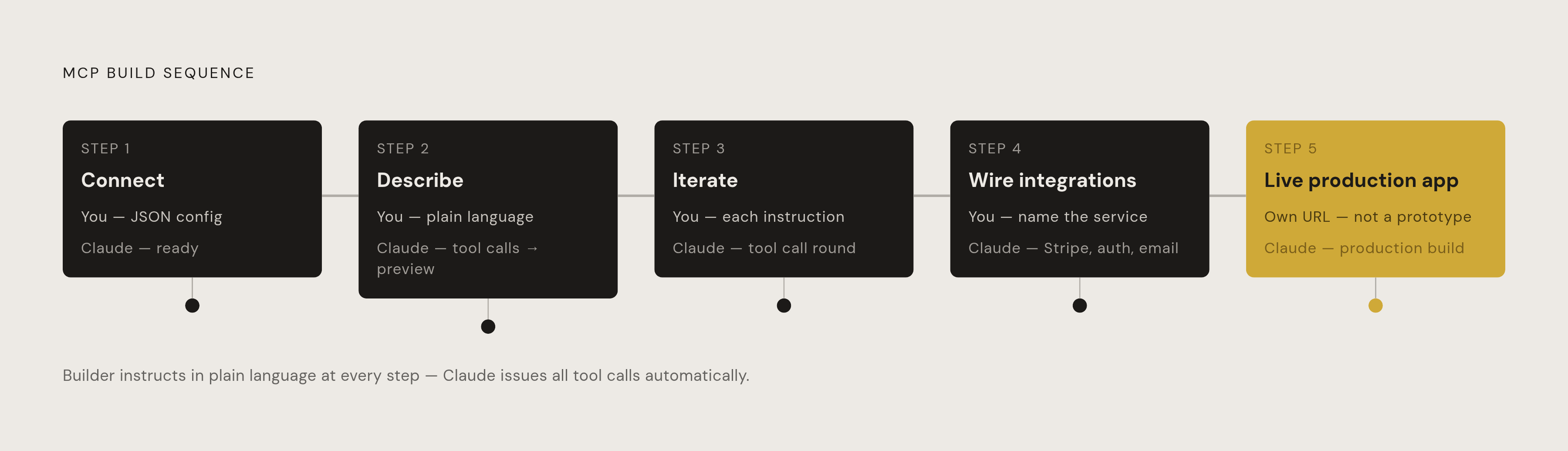
What a builder does, step by step, to go from Claude conversation to live app
Strip away the theory, and the actual process looks almost anticlimactic in how few steps it takes.
Step one: connect the MCP server to Claude, or to another compatible AI agent. This is one JSON config block, pasted once. That's the entire setup.
Step two: describe the app in plain language, the way someone would explain it to a friend. Claude reads that description, starts issuing tool calls against the connected server, and hands back a working preview link, often in its very first response.
Step three: iterate right there in the conversation. Want another page? Say so. Want the logic changed? Say so. Every instruction turns into another round of tool calls behind the scenes. There's no separate deployment step waiting at the end, because deployment already happened.
Step four: wire up integrations, Stripe for payments, Google login for signing in, email notifications for alerts, all guided through the same conversation rather than a separate setup wizard somewhere else.
Step five: the app is live, sitting at its own URL, ready to share. Not a prototype waiting for someone to finish it. A production build.
Through all five steps, the builder never opens a terminal, never touches a git repository, never logs into a separate deployment dashboard, never manages a database admin panel on the side. The conversation isn't a step before the build. The conversation is the build environment.
That's the actual shift MCP represents. It doesn't just widen what Claude can reach. It changes what Claude is, from a system that describes solutions to one that assembles them, tool call by tool call. Paired with infrastructure built into the connector itself, Claude becomes a full build environment rather than a chatbot with a plugin, because the connector's built-in infrastructure closes the distance between an idea and a working product to minutes rather than sprints.
Sources
- The shift from apps with AI to AI with apps: Why your next app should live inside Claude — WorkOS
- Interactive connectors and MCP Apps | Claude by Anthropic
- MCP Apps - Bringing UI Capabilities To MCP Clients
- Build an MCP App - Model Context Protocol
- Claude supports MCP Apps, presents UI within chat window
- support.claude.com
- claude.com