Automating App Tasks With MCP and Zapier Together
MCP and Zapier combine AI's adaptability with automation's always-on reliability.
Automating an app runs into the same wall almost every time: triggers and actions are two different jobs, and most non-technical founders reach for one tool expecting it to do both. Something has to notice an event happened. Something else has to do the work that follows next. If a tool is great at noticing and weak at doing, or the other way around, the "automation" only runs when someone's sitting there babysitting it.
Why automating an app requires two different kinds of action
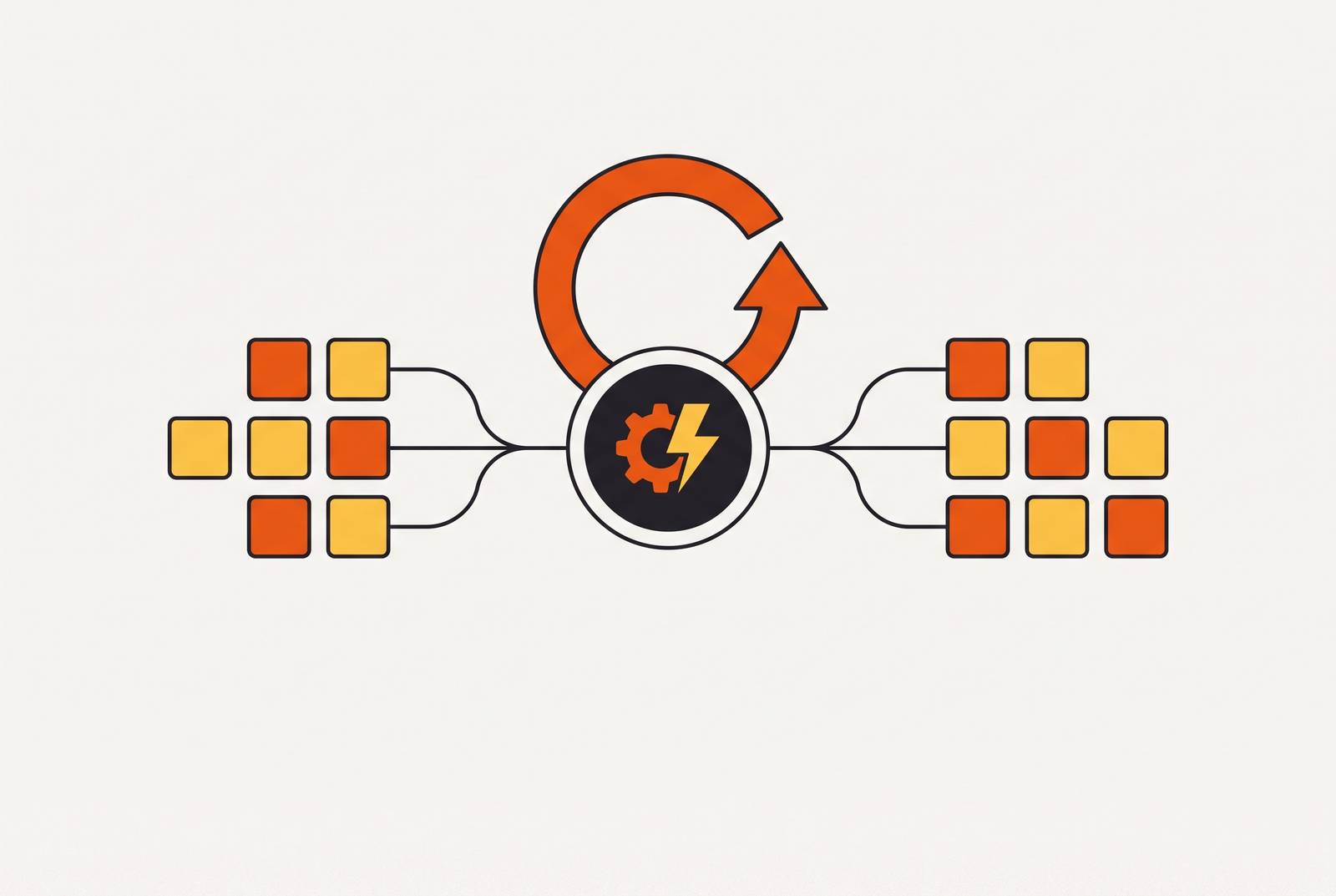
Every automated workflow splits into a trigger and an action. A form gets submitted, a payment clears, a record changes, a schedule ticks over: that's the trigger half. Then a record gets updated, an email goes out, a task gets created in some other system: that's the action half. If a tool is great at one job and useless at the other, the whole workflow breaks down at the seam.
AI assistants like Claude and ChatGPT are sharp when someone's actively typing to them. Asking Claude to reorganize a spreadsheet or draft a reply gets the work done well, sometimes faster than a person would in the same stretch of time. Close the chat window, though, and Claude goes quiet. It isn't watching an inbox. It isn't polling a database for new signups. The second the conversation ends, so does its awareness of the outside world.
Traditional automation tools sit on the opposite end. They watch constantly, firing the instant a trigger condition is met, at 3 PM on a Tuesday or the exact second a payment lands in a payments platform. They follow the exact path someone wired up in advance. No judgment, no adapting to a weird edge case, just the same fixed steps every time, forever. Real hands-free automation comes from using both halves for what each is actually good at. Trying to make one cover for the other is where most setups quietly fail.
What MCP is
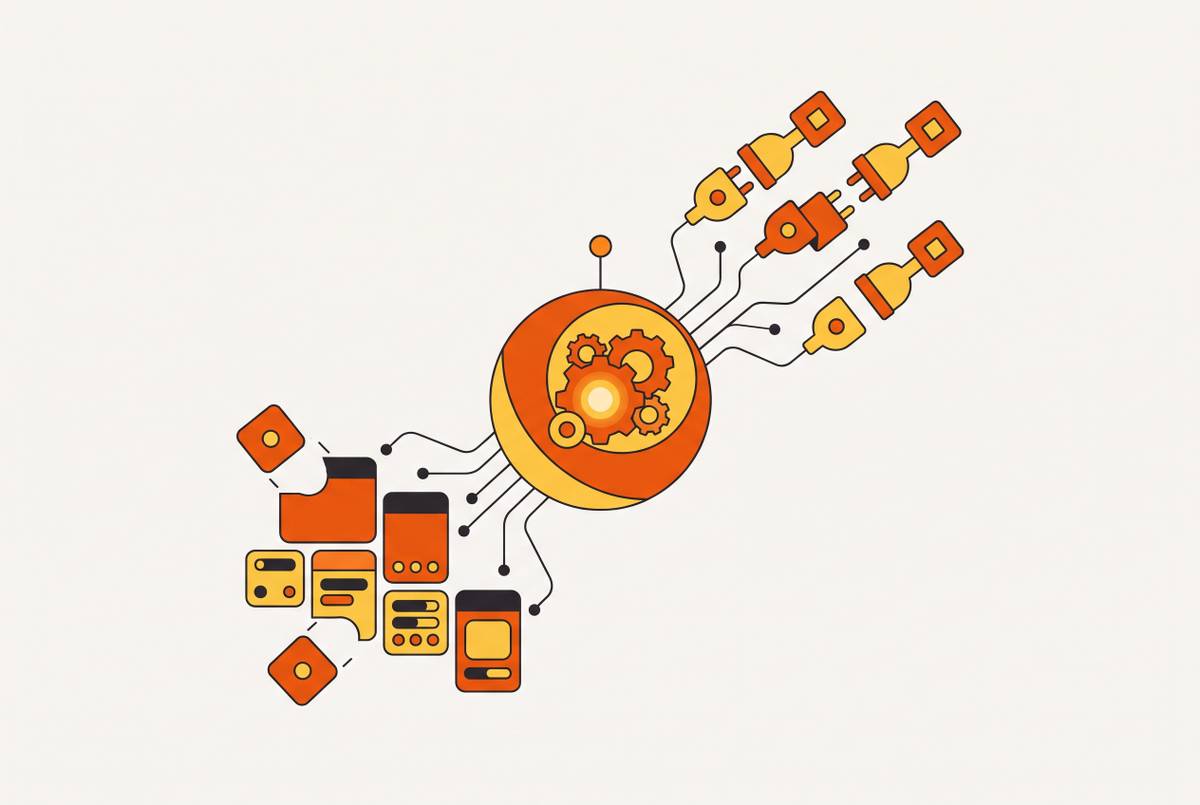
MCP, short for Model Context Protocol, is an open standard for connecting AI applications to the outside world: your data, your tools, your existing workflows. The official documentation calls it "like a USB-C port for AI applications," and the comparison holds up better than most tech metaphors do. One connector shape, and it plugs into whatever supports the standard.
Without MCP wired up, Claude only walks you through the clicks; with MCP connected, the actions available to it change directly. Without MCP, ask Claude how to move a meeting in Google Calendar, and it walks you through the clicks yourself. With MCP wired up to that calendar, Claude looks at the actions it's actually allowed to take and moves the meeting itself. No hand-off back to a human for the last step.
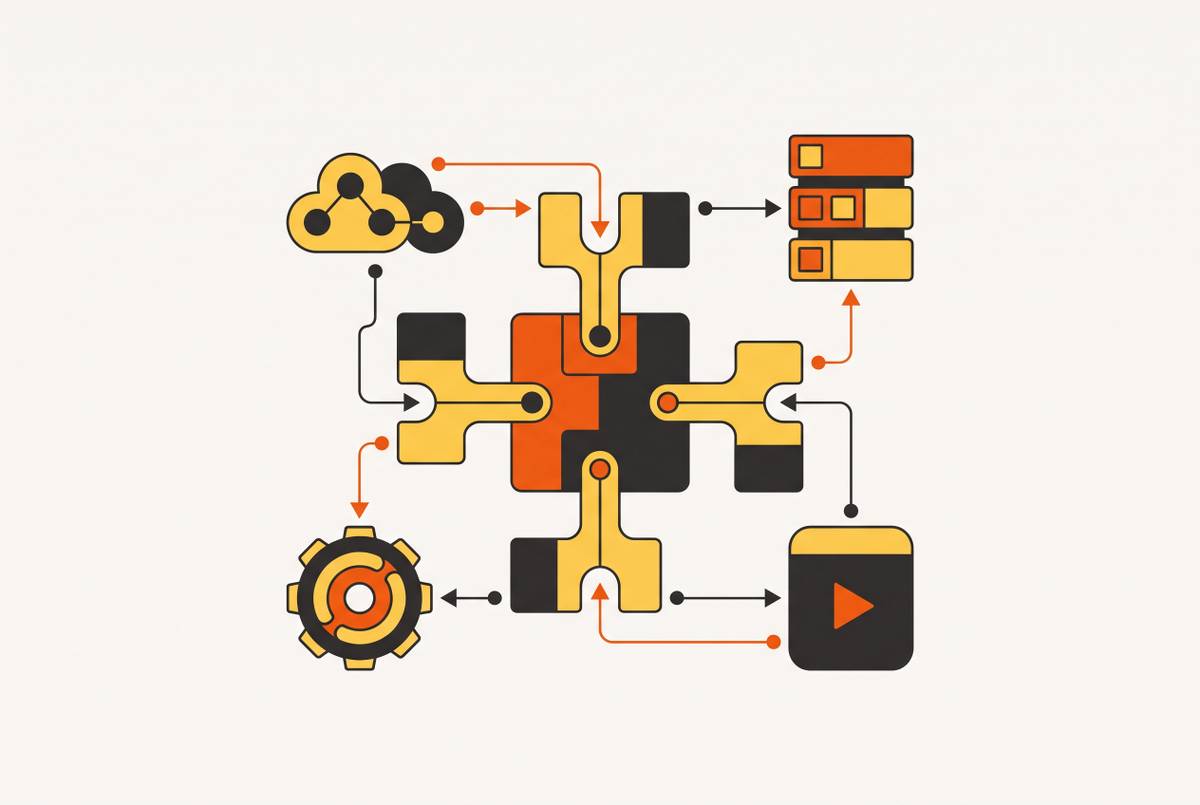
Before MCP, every pairing of AI tool and external service needed its own custom-built connector. Anthropic, the company behind Claude, called this an "N×M" problem: N tools times M services means a combinatorial mess of one-off code, and every new service added multiplies the work again. MCP flattens that math. Building one MCP server for a service lets any AI client that speaks the same protocol use it. The integration gets written once instead of once per pairing, which is the entire point of a standard.
How to connect MCP to the AI tool you already use
Seven major clients currently support MCP: Claude Desktop, Claude Code, ChatGPT, Cursor, Windsurf, VS Code with GitHub Copilot, and remote OAuth connectors generally. The config structure is nearly identical across all of them. What changes is the file path and the root key, not the underlying concept.
There are two transport types, and neither one demands a deep technical background.
Local stdio connections mean adding an npm package reference to a config file on a machine, which requires Node.js installed locally. That's the more hands-on route, generally the domain of someone who's comfortable opening a terminal without flinching. Remote HTTP connections skip all of that entirely. Paste a URL into the AI client's connector settings, and the connection is live. No config file, no terminal, no npm.
For Claude specifically: inside Claude.ai, the path is Settings, then Connections, then authenticating with whichever service is being connected. Claude Desktop uses a JSON config file instead, for anyone running the desktop app rather than the browser version. Once connected, Claude can reach Google Drive, Gmail, Google Calendar, Notion, Slack, Zapier, HubSpot, GitHub, Cloudflare, assorted databases, and any other service that's published an MCP server.
ChatGPT came to this later. OpenAI adopted the protocol in March 2025 and showed off an MCP-based Apps SDK at its DevDay event in October 2025. Functionally, the same MCP servers powering Claude connections can power ChatGPT connections too, either through pre-packaged apps or a custom connector URL entered by hand. Custom connectors in ChatGPT require a paid plan, so Plus, Pro, Business, Enterprise, or Edu. The free tier doesn't get this door at all.
How Zapier MCP extends AI to 9,000+ apps
Zapier launched its own official MCP integration in 2025, and it changes the math considerably. Instead of connecting an AI client to one service at a time, Zapier MCP gives Claude or ChatGPT native access to Zapier's entire catalog: over 9,000 apps and more than 40,000 actions, triggered through plain natural language commands inside the chat window.
Setup skips anything resembling code. Inside the AI chat interface, tap the plus icon to open "Add Connectors," search for Zapier, click Connect, and approve the permissions screen. That's the whole process, start to finish. A secure link gets created between the AI client and Zapier's servers without ever exposing login credentials directly to the model.
The permission controls matter more than they look like they should at first glance. At mcp.zapier.com, granular settings let someone define exactly what the AI can touch. For Google Calendar, that might mean allowing "read events" and "create events" while blocking "delete events" outright. For Gmail, allow "read emails" but block "send emails," so the AI can summarize an inbox without ever being able to fire off a message on someone's behalf. That's least-privilege access: restricted actions for an AI assistant.
Because Zapier MCP runs as its own server, switching between AI clients doesn't require rebuilding the integrations from scratch.
When to use MCP tool calls versus Zapier Zaps
MCP tool calls run on demand, and only on demand. Someone's in a chat window, asks the AI to do something, the AI reaches out through MCP and does it. The moment the conversation ends, the activity stops with it. Nothing fires on its own. No trigger exists inside an MCP tool call, only a request and a response while a human is present to make the ask.
Zaps work the opposite way entirely. They're always-on and event-driven, sitting quietly until a form gets submitted, a payment clears, or a record changes, then reacting whether or not a single person is anywhere near a keyboard.
If a task is interactive and someone's actually present to drive it, that's Zapier MCP inside an AI chat. If a task runs on a schedule, needs to react to an event with nobody watching, or can't tolerate a duplicate write from an AI acting twice on the same input, that's Zap territory, full stop. Most serious production setups end up using both, because most real businesses have tasks sitting on either side of that line, and pretending otherwise just means building around a gap.
A client onboarding sequence makes the split concrete. A new contract getting signed in DocuSign triggers a full chain automatically, and a project folder gets created, a welcome email goes out, tasks get added in Asana, and a kickoff call gets scheduled, all without a human touching anything. That's a Zap, start to finish. Nobody's chatting with an AI when a contract gets signed at 11 PM on a Friday. The event fires, and the always-on trigger does exactly what it's built to do.
A practical workflow combining both: what hands-free automation looks like
Layering both halves together produces the real payoff. Every scenario worth automating has a trigger side and an action side, and they run in sequence, not in isolation.
On the trigger side, a new form submission or a payment clearing fires a Zap immediately. Nobody needs to be at a desk, let alone a keyboard, for that first domino to fall. On the action side, an AI agent connected through MCP takes over, drafting a personalized follow-up, updating the right record, creating a task with actual judgment about what that task should say, instead of dropping in the same canned template every single time.
The DocuSign onboarding example fits here as a real proof point. Each step in the chain fires automatically from the triggering event, with no human involvement required after the initial setup.
That's the actual measure of hands-free automation. No one is staring at a dashboard waiting for something to need attention. Nobody's copying data between two open tabs. Nobody's manually clicking "send" because the AI can't act until someone in the room tells it to. The AI still needs somewhere to live between conversations, though, and that single requirement is what makes reliable hosting infrastructure unavoidable.
What the AI side of this stack needs from your app infrastructure
MCP and Zapier both handle connectivity. Neither one is the thing being acted on. An AI still needs an actual app underneath it, including a database it can read from and write to, a backend that can receive an instruction and process it, and a hosting layer that stays live and reachable between conversations, not just while someone's actively typing. That's what produces the ability to act, rather than just the ability to connect.
This catches non-technical founders off guard, usually after they've already burned real time on the wrong plan. Stitching together separate services for hosting, a database, user authentication, and scheduled background tasks is its own project. Depending on how many services get bolted together, it can eat more time than building the app the founder actually set out to build.
A production-ready AI-connected app needs several things running at once: storage that persists between sessions, a way to authenticate users so the system knows who's asking for what, backend logic that can run on a trigger or a schedule without a person kicking it off, email notifications, and a stable public URL an MCP server can reach reliably. Skipping any one of those breaks the automation somewhere quiet, usually at the worst possible moment, usually a Friday night nobody's watching.
The alternative to assembling all of that piece by piece is a platform built to include it by default, so the MCP connection and the Zapier trigger both have somewhere real to land the moment they're switched on.
Pricing: what Zapier MCP costs at different usage levels
Zapier MCP itself carries no separate price tag. It's bundled into every Zapier plan, and the number that actually matters is task consumption, the same metric that governs everything else Zapier runs on.
Every successful MCP tool call draws 2 tasks from a plan's monthly allowance. A failed call costs nothing, which matters once an AI agent starts retrying things, since retries won't drain the pool.
As of September 14, 2026, the tiers break down like this. The Free plan runs $0 and includes 100 tasks, with MCP access included at that tier. At 2 tasks per successful call, 100 tasks covers roughly a month of light, occasional use, assuming Zaps aren't also drawing from the same pool. The Professional plan starts at $19.99 a month billed annually, or $29.99 billed monthly, and comes with 750 tasks plus MCP access. The Team plan runs $69 a month billed annually and includes MCP access as well. Enterprise pricing is a custom quote.
The Free plan's 100 tasks sound generous until an agent starts looping. A multi-step AI workflow that calls several tools back-to-back burns through pairs of tasks in quick succession, and that adds up faster than most people expect on a Free plan. Anyone planning to run this in production should test real task usage against a real workload before betting the whole operation on 100 tasks a month. Most won't make it past week two.
How to think about building the app that runs these automations
Putting the full picture together makes the shape clear fast. MCP handles AI action on command. Zapier handles the triggers and the routing between events. A solid app backend is what ties both halves to something real. The actual job for a founder is setting up that logic once, correctly, not signing up to babysit a pile of connected services indefinitely.
A platform built to support this kind of automation needs a specific list of things baked in from the start: backend logic so the AI has an actual place to act, a database so records survive between sessions instead of vanishing, user authentication so the system knows who triggered what and when, and hosting with a stable public URL that both Zapier and an MCP server can reach without dropping the connection. Email notifications and scheduled background tasks belong on that list too, included by default rather than sold back later as paid add-ons.
Running this on general-purpose cloud infrastructure, stitching together separate hosting, a separate database, and a separate authentication layer, is a real option, and plenty of technical teams do exactly that. But it means the founder is now running infrastructure as a job, not running an app as a business, and that's a bad trade for anyone whose actual goal was the app, because the plumbing becomes the work instead of a means to it.
Going from idea to a live, automation-ready app in minutes only means something once you know what "live" actually requires, namely the database, the auth, and the hosting that has to stay reachable around the clock without someone checking on it. An app that arrives with all of that already wired together delivers real automation-readiness from day one. That's what "hands-free" was always supposed to mean.