Setting Up Email Notifications in a No-Code Web App
Email notifications matter before launch, not after.
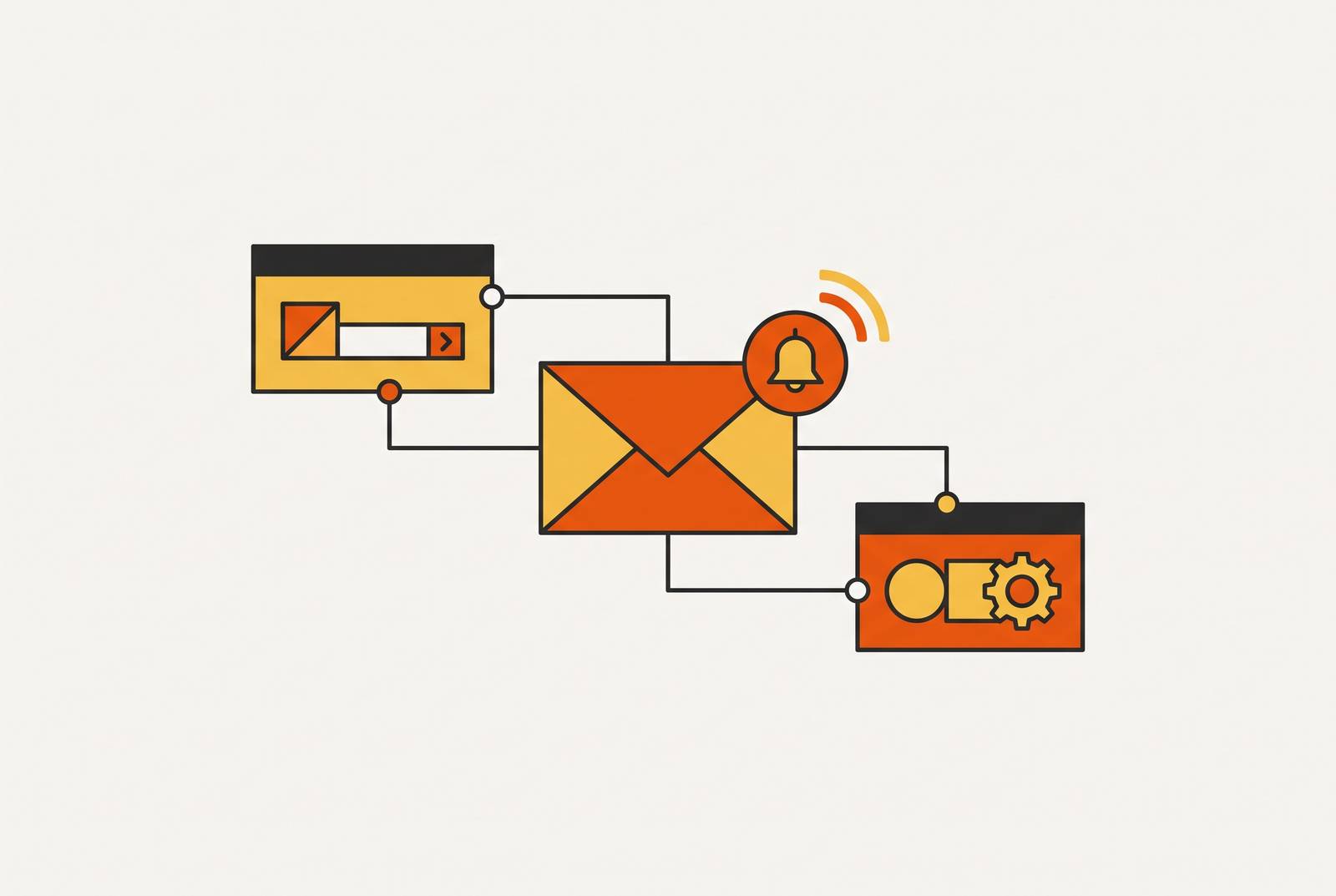
Setting up email notifications in a no-code app comes down to three decisions: what event triggers the email, which service delivers it, and what the email actually says. Most founders treat this as a backlog item, something to bolt on after the "real" app gets built. That's backwards, and it's backwards every time. The moment a user signs up, places an order, or resets a password, the app owes them a response. Putting that off until "later" is how launches slip by two weeks over something that takes an afternoon to wire up correctly.
What triggers an email and how to think about trigger logic without writing code
A trigger is just a condition that turns true. A user signs up. An order gets confirmed. A form gets submitted. Stock on some item drops below a number picked in advance. None of that requires code to describe, only clarity about what's actually meant.
Two categories cover almost every case. Event-based triggers fire the instant something happens in the app: a welcome email the second someone registers, a receipt right after checkout, a password reset link the moment it's requested. Scheduled triggers fire on a clock instead, regardless of what any single user does: a weekly digest, a renewal reminder, a low-stock alert that checks inventory once a day.
Founders mix up two separate questions constantly: what should the email say, and when should it go out. Sort those before touching any tool. Take an inventory app that needs to alert someone when an item falls below 10 units in stock. That sentence already contains the whole trigger: the condition (stock below 10), the check (against current inventory), and the outcome (an email goes out). No-code tools represent this as a workflow node or a conditional panel. In AI-native builders, that same sentence is often the entire input, typed once.
Before opening any tool, write it down. When X happens, send an email to Y saying Z. Three columns, no diagrams, no code.
How email delivery actually works and what a non-technical founder needs to know about it
Getting an email to send isn't the same problem as getting an email delivered. Delivery means it lands in an inbox instead of a spam folder, that bounces get handled instead of silently failing, and that someone can tell whether it was opened. None of that comes free with the app itself.
A few terms come up constantly, and they stop being scary once translated. SMTP is the protocol that moves mail between servers, the plumbing underneath every email ever sent. No founder configures this by hand, but something in the stack has to, which is why a dedicated email service provider exists in the first place. Sender reputation is the reason mail from some random, unverified server gets flagged as spam: Gmail and Outlook track which servers send legitimate mail and which send junk, and a brand-new sender starts with zero track record, same as a brand-new credit history.
An API key is the credential that proves to the email service your app is allowed to send on your behalf, a one-time setup step that still trips people up the first time through. SPF, DKIM, and DMARC are DNS records added to a domain that tell a receiving mail server "yes, this sender is really authorized to send mail as me." Skipping them isn't an option for anything meant to run in production, full stop.
Doing this from scratch means picking a provider such as Resend, SendGrid, or Mailgun, generating an API key, adding DNS records, writing the integration or building a Zapier zap, then handling errors and retries when something breaks. A solo founder running a full stack usually needs an email provider sitting alongside a database, hosting, analytics, auth, payments, and monitoring, each its own account, its own setup, its own way of failing at 2am. The delivery problem is solvable either way. What actually decides the outcome is whether the founder solves it piece by piece or picks a platform where it's already solved underneath them, and anyone choosing the piece-by-piece route without a good reason is choosing more 2am debugging than the project needs.
The real cost of stitching email notifications together from separate tools
One solo founder's Zapier bill reportedly hit $300 a month just moving data between services, once the app crossed a few hundred users. That's not an outlier. It's what happens when every event in the app has to pass through a third-party connector to reach its destination, and the connector charges by the task.
The dollar cost is the visible part. The real cost runs deeper, in the hours: every tool in a stitched-together stack has its own login, its own webhook format, its own way of retrying a failed request. Wiring up one email trigger can mean learning three separate systems just to make one thing happen reliably, and that's before anything actually breaks.
Pricing shifts under founders without warning, too. Make restructured its pricing tiers in November 2025, with plans now running $12/$21/$38 for its Core, Pro, and Teams tiers, a repricing that lands mid-project and quietly changes what a founder budgeted for. Zapier's Pro plan runs $19.99 a month billed annually, or $29.99 billed monthly, and the free tier caps at 100 tasks a month: fine for a prototype, tight the moment real usage shows up.
Then there's the debugging. A broken zap or a misconfigured webhook is a DevOps problem whether or not the tool calls itself no-code, and tracking down why an email silently didn't send eats an afternoon fast. Zapier's real strength is simplicity and access to thousands of app integrations for someone who wants zero learning curve, and none of this argues against that on its own terms. But stitching adds up in ways that don't show up on day one. By the time they show up, they're load-bearing, and pulling them out later means rebuilding whatever got stacked on top.
What an all-in-one platform handles for you and why it changes the setup conversation
The core split is this: a platform where email delivery is built into the infrastructure, versus one where the founder connects an outside provider by hand. Built-in means no API key to generate, no DNS record to add, no separate provider account, no Zapier zap sitting in the middle. The trigger connects straight to a delivery layer the platform already manages. Whenever that option is on the table, take it: handing SMTP, deliverability, and DNS to a founder with no background in any of the three is asking for a Tuesday afternoon lost to a spam-folder mystery, and there's no version of that tradeoff worth taking on purpose.
What's left for the founder is exactly the three decisions from the first section: what triggers the email, who receives it, what it says. Nothing else. Some platforms build the backend, the database, hosting, user accounts, recurring tasks, and SEO basics automatically, with email listed as a native output of the app rather than a bolt-on feature added afterward.
Take a founder building something as simple as an event waitlist: users submit an email address, then see a status page confirming they're on the list. Described entirely in plain English, the build-edit-launch flow stays connected end to end, which matters most when the person building it isn't technical and doesn't want to get lost halfway through setup. What's left is the design work, the part that actually needs a founder's judgment, freed from the overhead of the delivery layer itself.
Step one, defining your triggers before you open any tool
The pre-work here is short: a plain-English list, not a flowchart. For each trigger, note four things.
- Event: what happens in the app (sign-up, order placed, form submitted, item drops below a threshold)
- Recipient: who gets the email (the user, the founder, a teammate, a customer)
- Timing: right away, after a delay, or on a schedule
- Content summary: one sentence on what the email needs to say
Most first apps need the same handful of triggers before anything fancier. A welcome or confirmation email on sign-up. A receipt after a purchase. A password reset. An admin alert when something worth noticing happens: a new signup, a threshold crossed.
Leave marketing sequences, re-engagement campaigns, and subject-line testing for later. Those are phase-two problems, and this walkthrough only covers transactional email, the kind the app owes a user in direct response to something they did. Getting the trigger map right first pays off twice over in an AI-native builder, where that same list becomes the prompt. "When a user signs up, send them a welcome email" isn't a summary of the work. It's the whole instruction.
Step two, connecting your delivery layer, whether built-in or external
Two paths exist here, and they ask very different things of the founder. On an all-in-one platform with delivery built in, the founder describes the trigger in plain language and the platform handles SMTP, deliverability, and DNS on its own. There's no infrastructure work left to do. Connecting an outside provider to a no-code tool means creating an account with that provider, generating an API key, adding SPF and DKIM records to the domain, then wiring it up through the platform's integration panel or a Zapier zap.
For anyone taking the external route, it helps to know what each step actually does. The API key is a password proving the app is allowed to send mail as your domain. The SPF record is a DNS entry telling receiving servers "this provider is authorized to send email on my behalf." DKIM is a cryptographic signature attached to outgoing mail so a receiving server can confirm it wasn't altered in transit. The sender address, the "from" line a recipient sees, has to match the domain that's been authenticated, or deliverability suffers immediately.
Before a single real email goes out, send a test to your own inbox. Check whether it lands in spam. Look at the sender name and address and ask whether it reads as professional or as something a spam filter should flag on sight.
Whichever path gets used, the delivery layer is a one-time setup. Get it working once, and every trigger added after that rides on the same connection, no rework needed.
Step three, writing email templates that actually get read
A transactional email needs very little to do its job well. A subject line that states the fact plainly: "Your order is confirmed," "Reset your password," "Welcome to [App Name]." One sentence of context explaining what happened and why the recipient is getting this message. One clear action or piece of information: a link, a code, a confirmation number. A footer with a sender name and a way to reply or unsubscribe.
Most platforms let dynamic fields pull in user-specific data: first name, order number, item purchased. In an AI-native builder, this gets described the same way the trigger was, in plain language: "include the user's name and their order total." Marketing copy works against a transactional email, and so do multiple calls to action and images that might not load. The goal is something fast to scan on a phone, not something to browse over coffee, and every word past that point is a word working against the read.
Once a welcome email template exists, an order confirmation usually follows the same shape, so most founders end up with a small library of three to five templates that cover nearly every event the app produces. Before launch, send the trigger from a test account, confirm the dynamic fields fill in correctly, check how it renders on mobile (since most email gets read there first), and make sure the unsubscribe or reply path actually works.
Using an AI tool with MCP infrastructure to set this up in a single conversation
MCP, short for Model Context Protocol, lets an AI tool talk directly to a platform's infrastructure layer instead of just planning around it. The conversation itself becomes the setup, not a step before the setup.
In practice: connect the MCP infrastructure layer to an AI tool, then describe the app and its triggers in a single prompt. Something like, "When a user signs up, send them a welcome email with their login link. When an order is placed, send a receipt with the order total." The platform builds the backend, wires up the trigger, handles delivery, and hands back a live app at a shareable link. Refinements happen in the same conversation: "Make the welcome email subject line friendlier," or "Add an admin alert when a new user signs up."
What the founder never touches is SMTP settings, API keys, DNS records, delivery queues, or retry logic, all of it absorbed by the infrastructure layer underneath. What the founder still controls entirely is the trigger map from step one, the email content from step three, and the back-and-forth refinement in between. Trigger, delivery, template: those three decisions still belong to the founder. What's changed is how little of that effort now goes toward the delivery decision, the one that used to eat the most time for the least reward.
What production-ready email notifications require that prototypes don't
An email that sends and an email that sends reliably at scale are two different standards, and conflating them is the most common mistake in this whole process. Delivery rate matters most: messages need to actually reach inboxes instead of spam folders, which depends on an authenticated sender domain and a sending infrastructure with a real reputation behind it. Bounce handling matters too. When an address is invalid, the system needs to fail gracefully instead of retrying forever or crashing the app outright.
Unsubscribe compliance isn't a courtesy for anything commercial or marketing-adjacent. It's a legal requirement in most places emails get sent, and treating it as optional is the kind of mistake that surfaces only after it's already a problem. Volume changes everything, too: what runs fine at ten users a day can queue up or get throttled entirely at ten thousand.
Before trusting any platform with production email, ask a few questions directly instead of assuming the best. Does hosting scale, or does it cap out at a fixed request volume? Are backups automatic, in case something breaks in the database feeding the email trigger? Is the sending infrastructure shared across many users or dedicated, and does the platform's own reputation protect deliverability, or put it at risk?
A platform that bundles email together with auto-scaling hosting, automatic backups, and secure connections treats these as baseline, not extras a founder has to audit one by one. That's the setup worth choosing. A stitched-together stack carries the opposite risk: every external service has its own uptime, its own way of failing, its own pricing model, and none of those risks get shared or absorbed on the founder's behalf. That's the actual tradeoff on the table, not a footnote to it.