Building a Directory App With a Database in ChatGPT
ChatGPT's new app platform and AI builders now make shipping a directory app faster than ever.
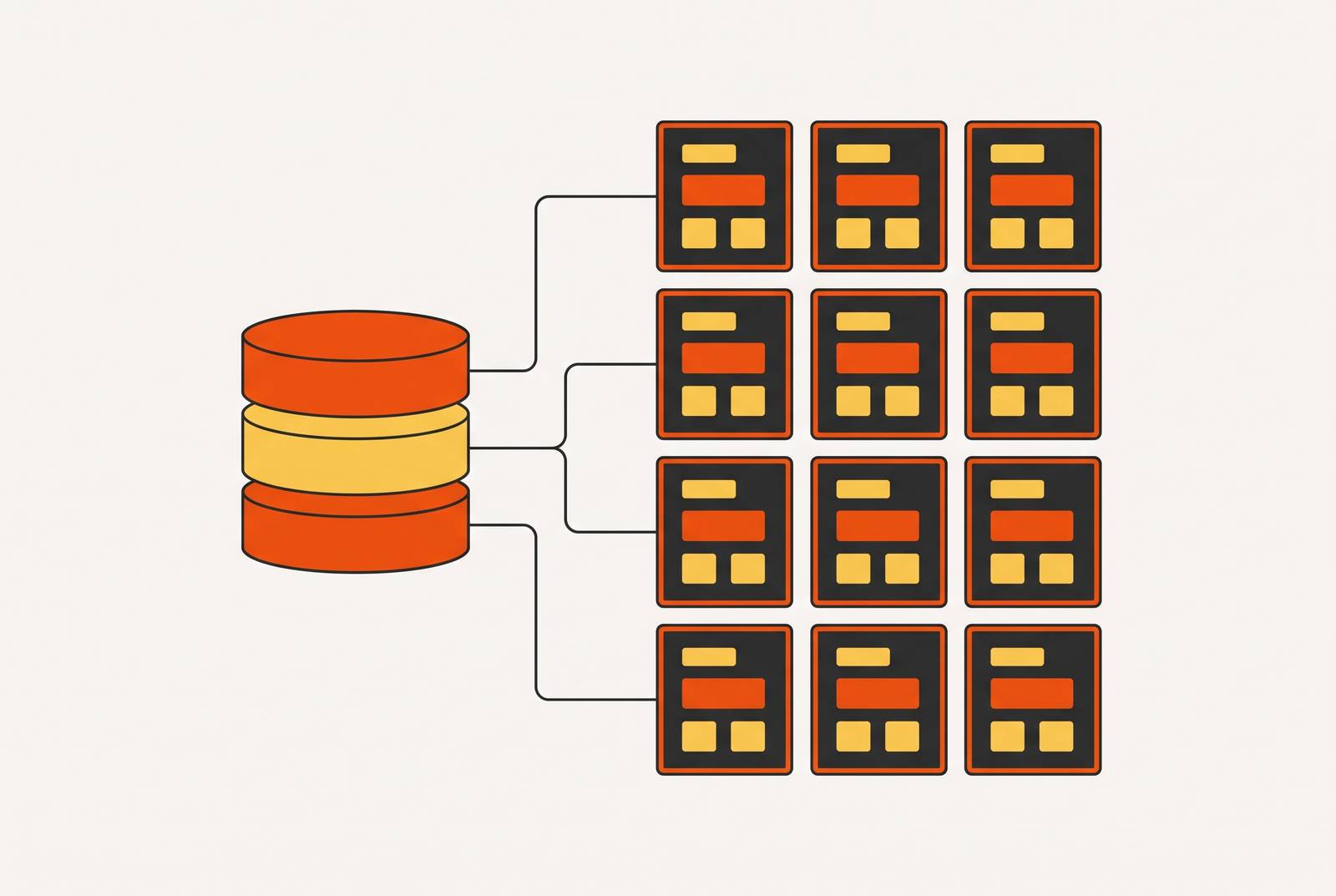
Two things arrived together: ChatGPT became an app platform, and AI-assisted building collapsed the effort required to ship one. ChatGPT turned into a platform that apps can run inside of, and the work of building an app got a lot easier, fast, thanks to AI-assisted tools.
The first change has a clear start date. On October 6, 2025, OpenAI brought a new kind of app into ChatGPT, built on the Model Context Protocol, or MCP, an open standard also used by Claude, Cursor, and other AI tools to connect to outside data and services. Then, on December 17, 2025, developers were able to start submitting those apps for review, and a searchable App Directory went live at chatgpt.com/apps, where anyone can look for and connect outside apps without ever leaving ChatGPT. An app built on that MCP groundwork is reachable, right away, by the more than 800 million people who use ChatGPT, a level of exposure that used to mean an app store launch or a real marketing budget.
The second change is how fast an app can be made. Tools now exist where a founder just describes, in plain English, what they want built, and the tool builds it. Work that used to take a small team now takes one person, a few days.
These two shifts aren't separate stories. The same MCP layer that lets ChatGPT's App Directory function is the same layer a solo founder uses to connect a directory app to an actual backend, so the platform shift and the building shift run on the same rail.
Directory app data requirements before building
Every directory app, no matter how it gets built, rests on the same handful of data pieces: a list of listings, a list of categories, a list of users, and the connections between them. Getting those connections right from the start is what decides whether the app can grow later without a rebuild.
In the language of no-code and AI building tools, each of those lists is called a collection, and a collection is just a database table under a friendlier name. Picture it as a named tab, something like Listings, Categories, or Users, where each tab has its own set of fields: name, description, location, category ID, owner ID. None of this requires code to picture. It just requires clear thinking about what a listing actually is, what a category is, and who's allowed to touch each one.
The single decision that matters most, early on, is how a listing relates to a category. A listing can belong to just one category, which keeps things simple, or it can belong to several, which gives users more flexible browsing but makes every search and filter harder to build correctly. Neither choice is wrong, but it has to be made on purpose, because changing it after hundreds of listings exist is a much bigger job than choosing it up front.
Before opening any builder or typing a single prompt, a founder should be able to answer a short list of plain questions. What exactly is one listing, and what pieces of information describe it? Who's allowed to create a new listing, the general public, people who've signed up, or only an admin? And can someone searching the directory filter by category, by location, by keyword, or by all three at once? Answering these in a sentence or two, on paper, before touching a keyboard, is the actual preparation this kind of project needs.
Connecting a directory app to a real backend with the ChatGPT App Directory and MCP
A plain ChatGPT conversation forgets everything the moment the window closes. What makes a directory app real, instead of a chat that resets, is MCP, the protocol that gives ChatGPT a lasting connection to an outside database and the ability to take real actions on it.
MCP is an open standard, not something locked to one company. OpenAI built its Apps SDK on top of MCP, an open standard, specifically so that apps built this way can run anywhere that adopts the standard, including any MCP-compatible client, although some ChatGPT-specific extras in the Apps SDK may not carry over to every client. In practice, that means when someone searches a directory app inside ChatGPT, the search doesn't come from anything ChatGPT remembers. It travels through an MCP connector to the actual database, pulls back live records, and brings them into the chat.
Joel Hanson's Wayfare app, found at wayfare.joelhanson.com, shows this working in the real world. It's a solo-built, MCP-native travel planning tool running its own hosted MCP server with OAuth login, and Cursor, Claude, and ChatGPT can all read from and write to the same live database of trips and expenses, because that database doesn't belong to any single one of those AI tools. The same setup works across ChatGPT and Claude for one reason: both of them speak the same MCP App standard, so a builder isn't forced to pick a side or maintain two separate versions of the same app.
None of this demands technical skill from the person building it. Connecting a remote MCP server usually means pasting in a URL and approving an OAuth prompt, after which the AI tool can read and write to that backend just from plain-language requests. The one step that looks technical, setting up a global MCP server in Cursor through a file called ~/.cursor/mcp.json, is really just copying and pasting a block of text, not writing code.
Choosing an app builder that handles the database, backend, and hosting without leaving the conversation
Builders connected to ChatGPT generally fall into two groups: plug-ins inside the ChatGPT App Directory that hand off to a separate third-party builder, and standalone AI builders that use ChatGPT-style plain language but operate outside ChatGPT itself. The real decision a founder makes here is who ends up responsible for the database, the backend, and the hosting once the project is live.
Base44, now part of Wix, is one example of an AI-powered builder that lets someone build a production-ready app straight from a description typed into the ChatGPT interface, with the interface, the database, the workflows, and the hosting all generated together, in one pass. For a directory app specifically, that all-in-one approach pays off directly: listings, categories, user accounts, search, and hosting all come from the same conversation, with no separate database service to set up, no hosting account to create, and no login system to wire in by hand.
Tools that export full code give a founder complete ownership of what they've built, but using that export usually requires developer skills to actually deploy it, and most all-in-one platforms don't offer a clean, complete export to begin with. That's a genuine limitation, not a minor inconvenience, and it's better to know about it before building than after.
So the choice comes down to what the founder plans to do next. Someone who needs to ship fast and grow, without ever wanting to touch raw code, gets more value from a managed, all-in-one platform, because it saves time and tends to be more reliable day to day. Someone who expects to eventually hand the whole project to a developer or a dev team should put export capability near the top of their checklist from the start, since retrofitting that decision later is far harder than planning for it now.
Building the directory app step by step from a conversation
Once a builder is chosen, building the app is a sequence of specific, deliberate prompts, each one tied to a specific piece of infrastructure. Skipping the sequence is how founders end up with a gorgeous-looking app that has no actual data behind it, a common failure that's easy to avoid by following the steps in order.
The first step is defining the schema inside the very first prompt. That means telling the builder exactly which collections are needed, Listings, Categories, and Users, listing the fields inside each one, and describing how they relate to each other. This is where the preparation work from earlier pays off directly, since a vague first prompt tends to produce a schema that has to be torn down and rebuilt later. A workable version of that first prompt might read: "Build a directory app with a Listings table (name, description, category, location, website, owner), a Categories table (name, slug), and a Users table (email, role: admin or submitter)". Listings belong to one category, and users can submit new listings, with admins reviewing and approving them. The checkpoint here is simple: does the builder confirm a schema that matches what was described, with every field and relationship accounted for?
The second step is confirming that the database is actually persistent before any work goes into the visual design. "Persistent" just means the information survives a page refresh instead of vanishing. The way to check this is to ask the builder directly: where is this data stored, and will it still be there if the page reloads? A real database answer is the checkpoint to look for here, not an answer describing something temporary like in-memory storage or a browser's local storage, both of which disappear easily.
The third step is building the view the public will actually see: a searchable, filterable list of approved listings, with filtering by category and a detail page for each individual listing. This user-facing piece should be built before any admin tools, since it's the part real visitors will interact with first. The checkpoint: can a visitor browse listings, filter them, and open one to see its full details?
The fourth step is the submission flow, a form where new listings come in, connected to the user login system, with every new submission landing in a "pending" state rather than going live immediately. A test submission appears somewhere as pending, not published.
The fifth step is the admin approval interface, a screen only admins can reach, showing every pending listing with buttons to approve or reject it. This is where user roles stop being an abstract idea and become something concrete and testable. The checkpoint: can an admin account see pending listings and a regular account cannot?
The sixth step is connecting search properly: instructing the builder to make the search bar query the database directly, rather than just filtering through whatever records happen to already be loaded on the page. That distinction is what lets search keep working correctly once there are thousands of listings instead of a dozen.
The seventh step is setting up a shareable link and confirming the app is actually live and hosted, reachable at a real web address, before adding any outside integrations. That live URL is the final checkpoint confirming the whole chain, schema, persistence, submission, approval, search, works end to end.
Adding search, payments, and notifications through MCP integrations
The same MCP connection that links ChatGPT to the directory app's database can also link it to payment processing, automation tools, and email, so these additions get built the same way the core app did: by describing them in conversation.
Stripe connects through its own official MCP server at mcp.stripe.com, and once that connection is set up, a founder can check account balances, look up customers, review subscriptions, and create invoices or payment links, all from inside the conversation, against a real Stripe account. Setting it up takes a restricted Stripe API key or an OAuth login, along with a paid ChatGPT plan (Plus, Pro, Business, Enterprise, or Edu) to use Developer Mode. For a directory app, this opens up a few clear paths to revenue: charging businesses to submit a listing, charging extra for featured placement, or offering a paid subscription tier for premium access to the directory, all set up through the Stripe connection without ever opening a separate dashboard.
Zapier's MCP connection links ChatGPT, Claude, Cursor, and other AI tools to thousands of outside apps and a large library of possible actions, with authentication and permissions the founder controls directly. It comes included with every Zapier plan, though each successful action through it costs two tasks against the plan's task allowance. For a directory app, that opens up things like sending a welcome email once a listing gets approved, posting a Slack notification when a new submission comes in, or syncing new listings over to a Google Sheet as a backup, all just described in plain language rather than configured by hand.
A directory app that updates often, say, sending a notification every single time a listing changes, can use up its Zapier task budget faster than expected, since each repeated action through MCP is its own separate two-task charge. Work that repeats on a predictable schedule is generally cheaper to run as a standard Zap than as a repeated MCP tool call, so scheduled or batch work should be routed that way from the start.
Email deserves its own mention here, separate from Zapier specifically. A directory app that's actually in use needs transactional email, confirming a submission, notifying someone their listing was approved, resetting a password, and these should be set up at the same time as the other integrations, not bolted on later once users start asking why they never got a confirmation.
Getting the app published in the ChatGPT App Directory
Having a working app at a live web address is not the same thing as being listed in the ChatGPT App Directory. Getting into the directory means passing a review process first, and once an app is in, how easily people find it depends on how clearly its listing describes what it actually does, not on any kind of keyword stuffing or ranking trick.
Submissions go through the OpenAI Developer Platform, where a developer can track the review as it moves along. The submission itself includes details about how the app connects through MCP, testing guidelines, the metadata that will show up in the directory, and which countries the app will be available in. Apps have to follow OpenAI's usage policies, be appropriate for a general audience that includes users aged 13–17, include a clear privacy policy and a way to contact support, and steer clear of advertising or anything deceptive. Only one version of an app can be under review at any given time.
Right now, in this early phase, apps are allowed to link out to an outside website to complete a purchase, but only for physical goods. Selling digital goods or subscriptions directly inside the app isn't permitted yet, though OpenAI has said it's looking at adding more monetization options down the line.
Getting found inside the directory comes down to how clearly the listing is written. The opening sentence of the listing should describe one specific task a customer can actually get done with the app. The descriptions of what the app's tools do should spell out, clearly, what goes in, what comes out, and what the app can't do. A listing that's vague, or padded with claims the app can't back up, ends up getting chosen for tasks it was never built to handle, and the people who try it walk away disappointed. Clear, honest, specific language is what gets a directory app found by the right people, and what keeps them there once they arrive.